
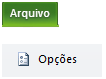
To clean Cache on Project Professional 2010, go to File and click Options.
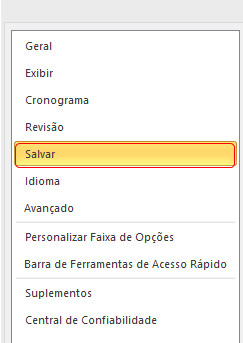
The Project Options window will open. Select Save from the menu on the left side of the window.
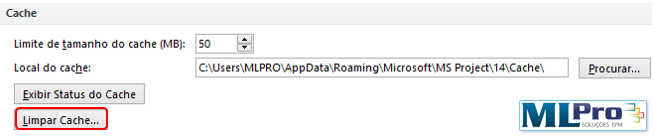
In the Cache tab, click Clear Cache:
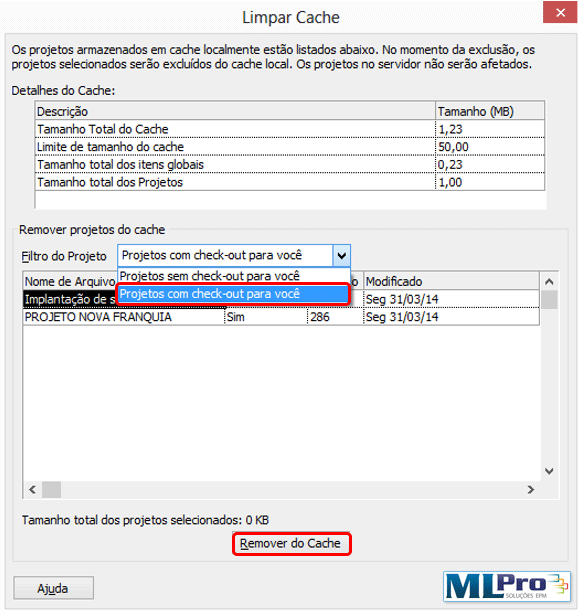
Under Project Filter (within the Remove Projects tab from the cache) select the option "Projects with check-out for you" and click on the button below: Remove Cache.
Original content from the MLPro editorial library, fully preserved and translated for the English website.