
In this post we will explain how to save a project via Project Pro.
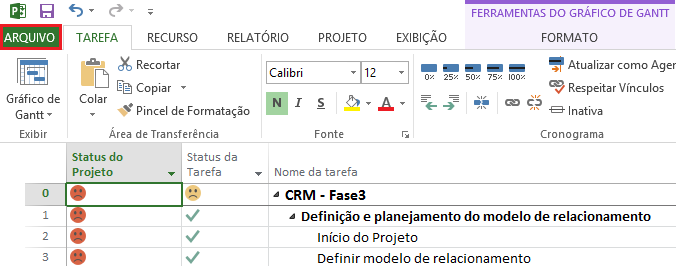
The first step is to click on the top tab "File".
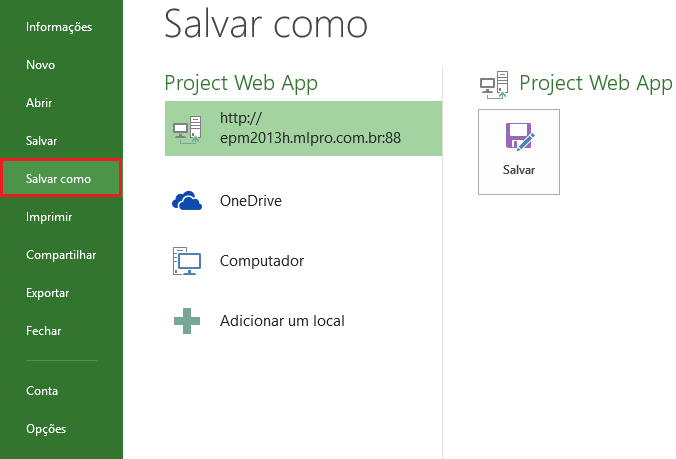
Now click "Save as" in the side menu, if it is a new project, enter the requested information and save.
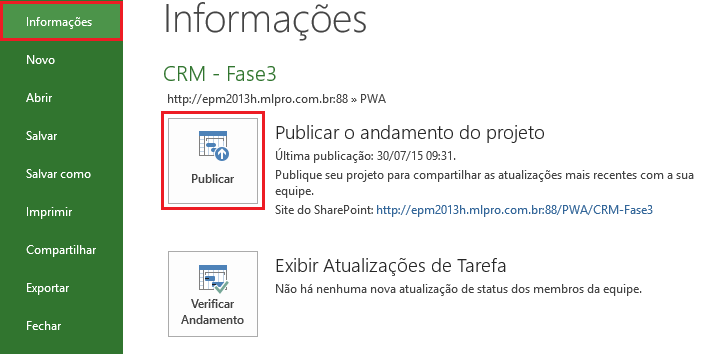
To publish a project, click "File" again, and select "Information".
Then click on the "Publish" option.
Okay, your project is saved and published.
Original content from the MLPro editorial library, fully preserved and translated for the English website.