
What you will find here
Project Online retires on September 30, 2026. Review its historical requirements and assess destination options for a validated transition.
Updated September 29, 2026. Microsoft has set September 30, 2026 as the Project Online retirement date. This article was originally published on June 24, 2025. The historical scenarios below help assess transition requirements. Read Microsoft's official lifecycle notice and MLPro's transition options.
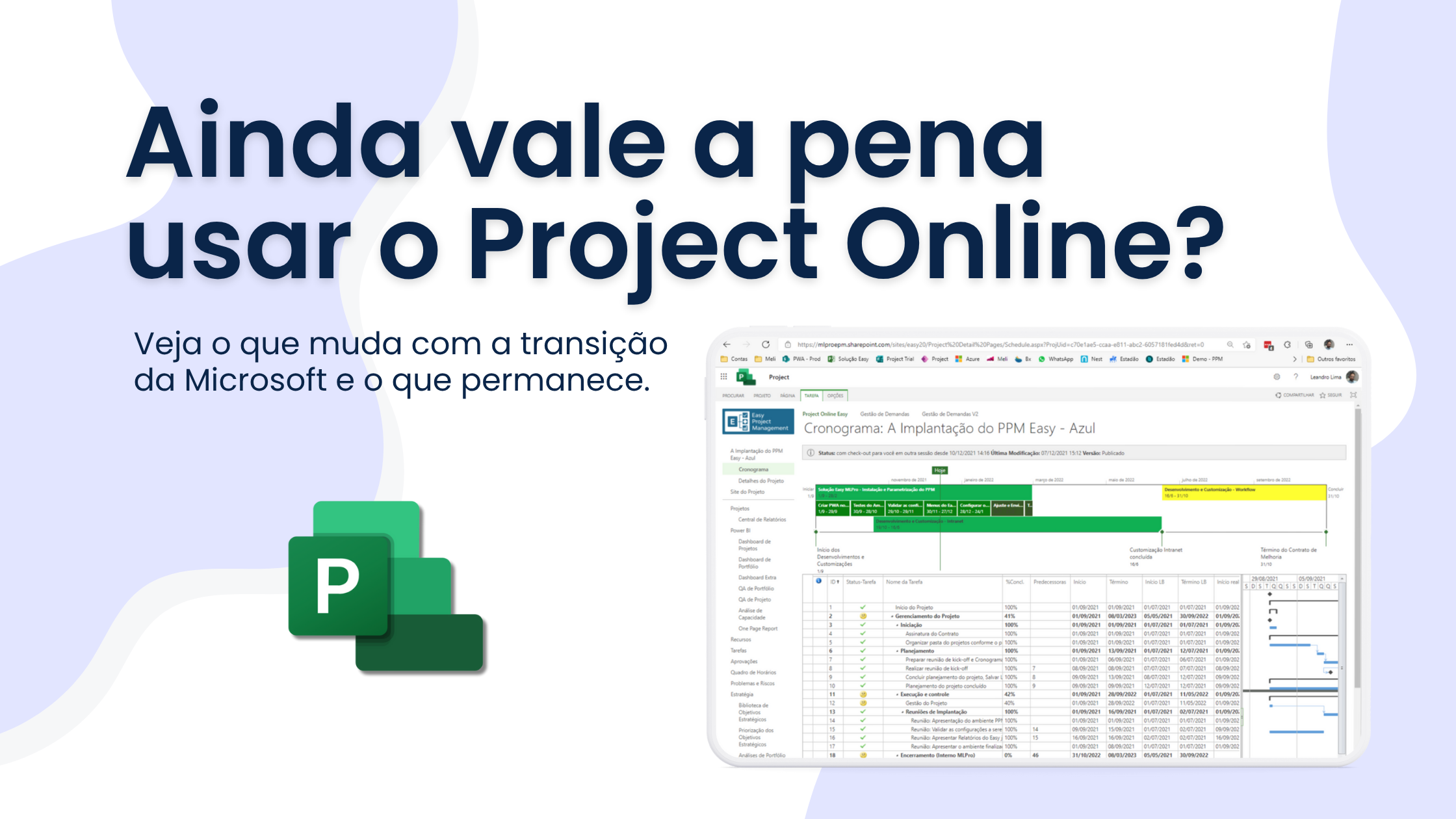
Microsoft's confirmation of the retirement of Project for the Web generated many doubts among professionals who use the Microsoft 365 ecosystem project management tools. The main concern lies in the future of Project Online: After all, will he also be discontinued? The question has become common since Microsoft officially announced the retirement of Project for the Web for August 2025.
 Play video: YouTube video player
The move to Planner and the retirement of Project Online are separate processes. Microsoft has set September 30, 2026 as the retirement date for existing Project Online customers.
What will be discontinued, in fact?
Microsoft is reorganizing its line of productivity tools. With this change, the Project for the Web will be terminated and all its features will become part of Microsoft Planner. This also includes Project and Roadmap applications within Teams.
From August 2025:
- Redirection: Access to Project for the Web will be redirected to Planner
- Roadmaps: They should be recreated as Portfolios in the new environment
- Centralization in Planner: It will be the new centre for visual management of simple projects
- Licences: No need to exchange licenses or migrate data manually. The transition will be automatic, but requires adaptation in the form of planning the projects.
What is the Project Online deadline? Project Online retires on September 30, 2026. Continued operations require a destination solution and preserved data; previous support does not mean availability after that date.
The official Project Online retirement date is September 30, 2026. Review data, workflows and custom integrations and confirm how they will be preserved during the transition.
Which requirements should the replacement preserve? Capabilities historically provided by Project Online help assess an alternative suited to the organization's processes.
The criteria discussed in this article reflect the 2025 context. They are not a current survey and do not justify keeping Project Online after retirement.
Use the following requirements to assess a replacement for Project Online:
- Microsoft Project Desktop: Currently Project Desktop to edit schedule.
- Waterfall Type Project: For project where the sequence of activities is very important.
- Advanced Access Control: You need to control project access centrally.
- Advanced Developer: You need to develop automations to read or change schedule fields.
- Granular Resource Management: More granular vision in the number of hours spent in the activities.
- Task Approval: The resource changes the deadline or % completed of an activity and after that the project manager may approve the change.
- Custom fields: Use custom fields with specific formulas and rules.
This type of scenario is not yet supported by Planner, which has important technical limitations, such as maximum number of tasks per project and lack of support for custom formulas.
When can Planner get better?
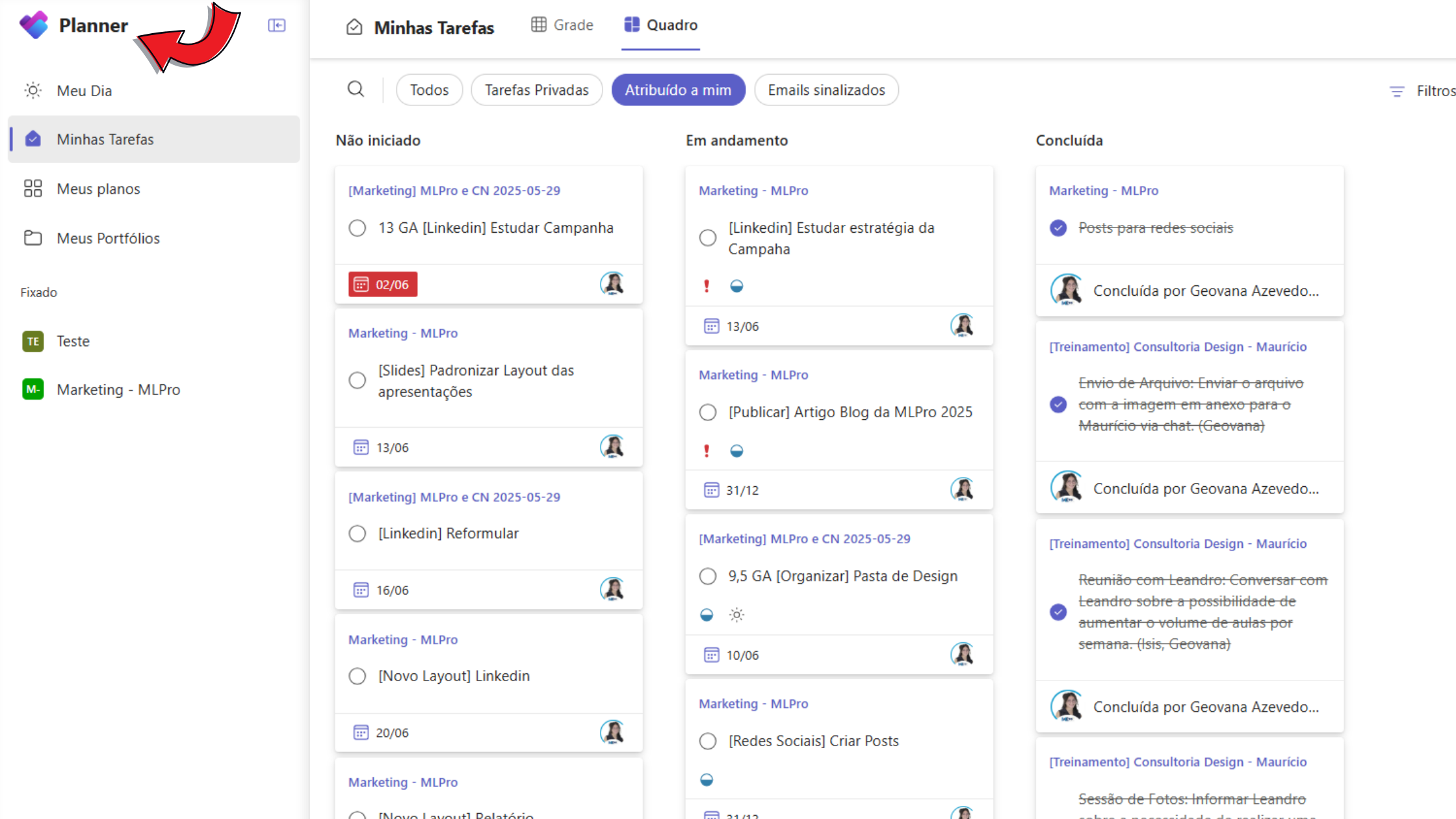
For some companies, moving to Planner can be natural. Especially for teams that work with simpler tasks, visual flows and focus on direct collaboration within Teams. Planner presents himself as a lighter and easier to adopt solution, especially for marketing, communication or small agile initiatives.
How should you choose a destination solution? Compare required processes, capabilities, governance and integrations, taking the confirmed retirement date and destination validation into account.
Organizations with many projects and advanced resource, governance and reporting needs should verify how their chosen replacement will support requirements historically covered by Project Online.
On the other hand, smaller teams, which work with more visual flows, less interdependent tasks and focus on daily collaboration within Teams, can find in Planner a simpler, more intuitive and efficient solution to their context. This alternative is especially advantageous for areas such as marketing, communication, HR and innovation squares that value agility and quick visualization of the progress of activities.
Assess actual needs and validate the replacement before transition, considering the September 30, 2026 retirement of Project Online.
Coexistence during transition Combining Project Online and Planner describes a historical, transitional scenario limited by Project Online retirement. For subsequent operations, define destination tools and validate integrations and reports.
Benefits:
- Best of both worlds: Enjoy the best of each tool according to the type of project.
- Planned transition: organize the change around the official deadline, without assuming service continuity after September 30, 2026.
- Risk Reduction: Reduces risks of operational interruption.
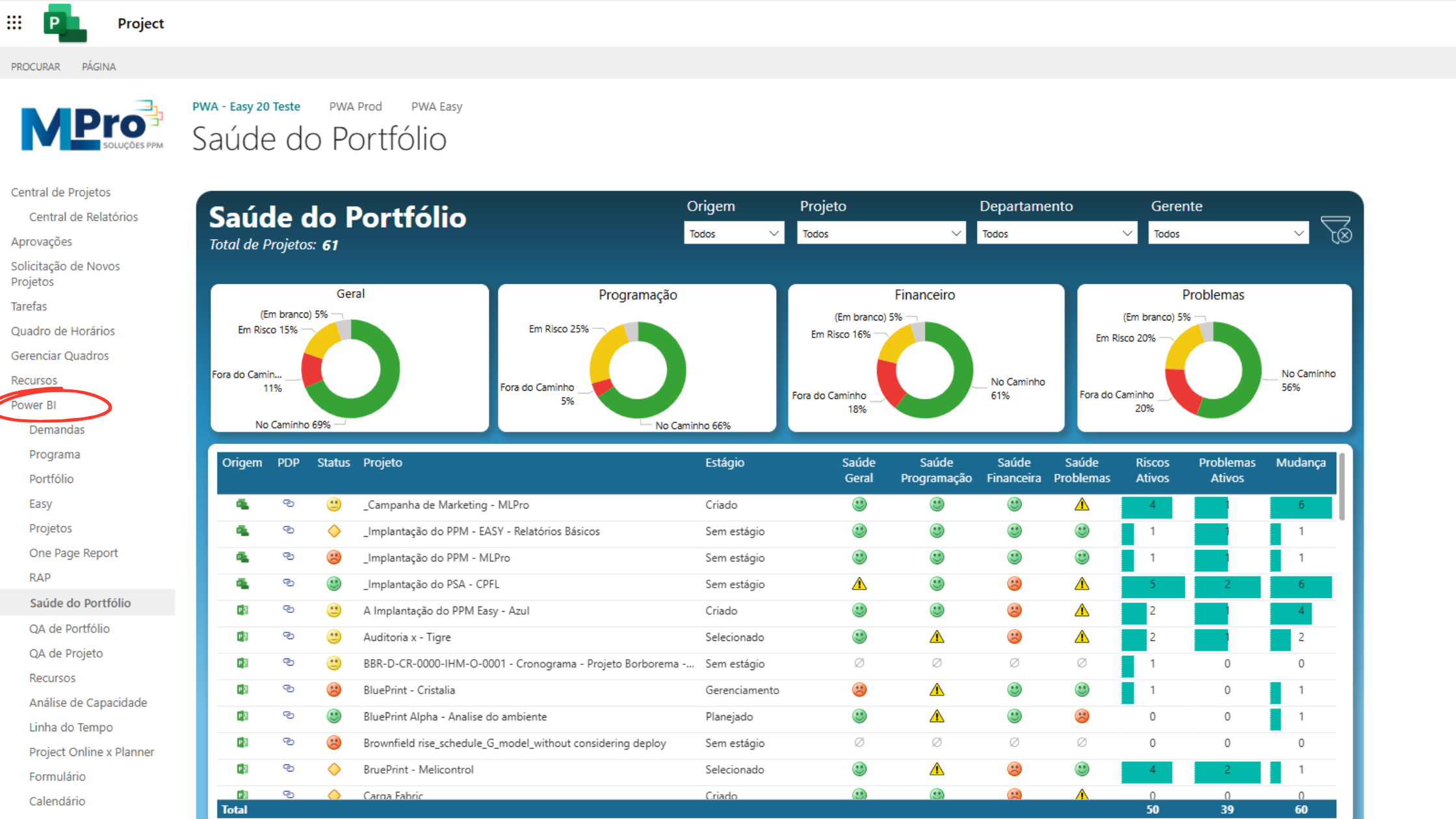
- Integrated reports: with Power BI you can create consolidated portfolio views (Planner + Project Online).
- Flexibility for each Area: for different areas of the company (IT, Marketing, HR, PMO etc.).
Technical requirements:
- Development of Reports: Integration via Power BIto consolidate data from both environments.
- Clear Governance: It is important to have clear rules where each type of project will be managed.
- Team training: For proper use of each tool.
Use scenarios:
- Project Online: Strategic projects with complex schedules.
- Planner: Agile initiatives, simple projects, campaigns and collaborative tasks.
What should you do now? Prioritize preserving data, reviewing access and integrations, and executing the transition. Confirm what has been exported and validated at the destination.
Here are some recommended actions:
- Review your current tools To understand where your operation is.
- Map your real needs especially if advanced features are used.
- Transition planning must account for the September 30, 2026 retirement of Project Online.
- Count on specialized support to analyze the scenario in a strategic way.
If your company is assessing these possibilities and needs support to make the best decision, count on MLPro. Talk to our team: Click here and schedule an appointment.
Transition assistance MLPro helps assess alternatives and plan continued project management in a destination environment. This does not extend Project Online availability.
- Complete and customized technical diagnosis
- Support in defining and executing the transition strategy
- Training and training of teams
- Environment implementation and governance Microsoft
Our commitment is to ensure that your operation has the best tools, according to the timing and complexity of your business.
You want to talk to an expert? Contact us and find out how we can contribute to your results.
Article revised on September 29, 2026 to reflect Microsoft’s Project Online retirement notice. Original authors, images and publication date preserved.
