
What you will find here
Explore the Copilot preview described for Microsoft Planner in Teams, with examples from the MLPro article archive.
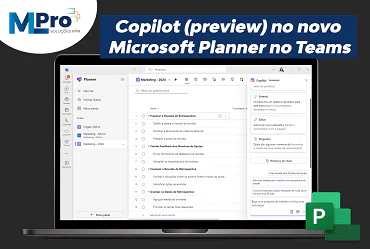
Now that the new Microsoft Planner has been fully released on Microsoft Teams, the Copilot in Planner (preview) is being released to users with a Project Plan 3 or Project Plan 5 license.
With the power of the generative AI, the Copilot in Planner speeds up the planning, management and execution of its work, keeping it informed as it achieves its objectives and facilitating project monitoring.
01Planning
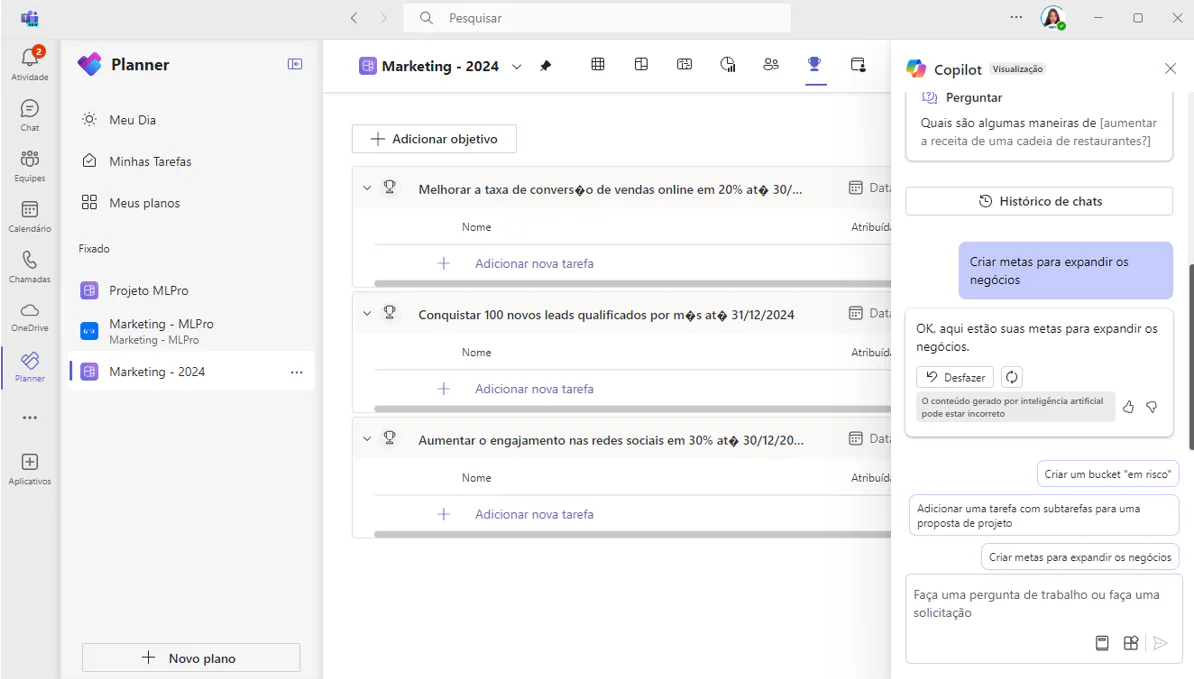
Planning is fundamental to any successful project. This begins with the definition of the right goals and the division of labor to achieve them. With Copilot in Planner, teams can generate and add tasks, goals and buckets based on user prompts and even create a complete plan including these elements. You can ask Copilot to plan your next project and it will start generating the division of labor.
02Management
Effective management is the key to actually achieving your planned goals. With Copilot as your digital wizard, you can expedite this process and keep on track. It takes the direction of users, seeking approval and feedback to manage how people and AI work together to achieve goals.
When it's time to screen a problem, expand the scope or make other changes to the plan, Copilot can help control a new goal, identify which tasks are delayed or which team members have the highest workload.
03Monitoring
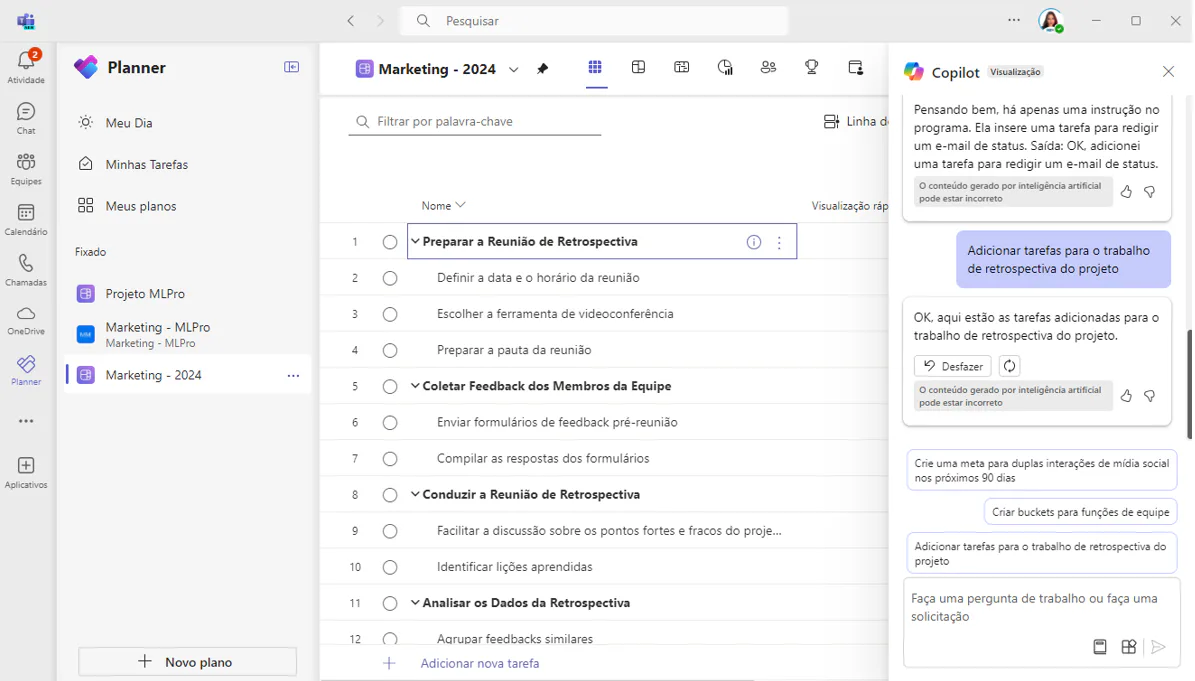
It may be a challenge to keep you informed about busy or complex plans. Copilot helps you quickly reveal the information you need. Based on his plan, he provides answers to questions about progress, priorities, workload and more.
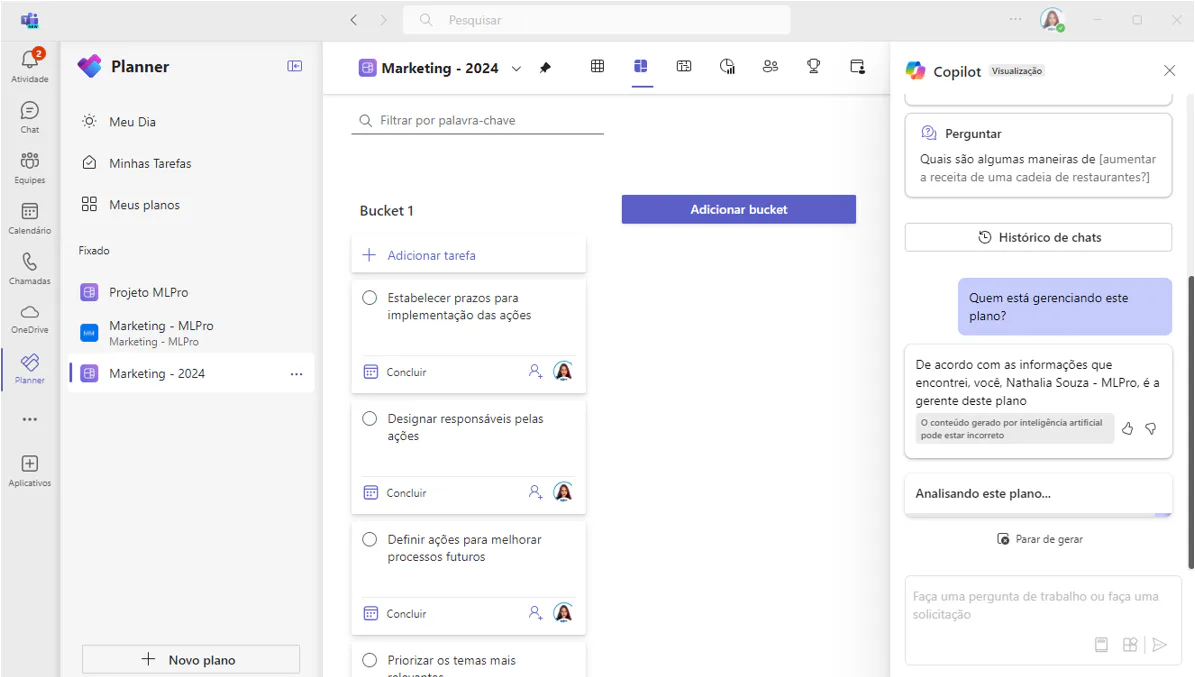
You can ask Copilot in Planner to:
- Start with a plan: Copilot can generate a plan for you, including goals, tasks, and subtasks and buckets.
- Manage your plan: As your plan evolves, Copilot can help suggest new tasks for you based on your new goals and keep you organized with new buckets when needed.
- Track progress: The Copilot can answer questions about your plan and help you stay informed about the latest developments.
04How to know if Copilot in Planner is available to you
If you have a Project Plan 3, Project Plan 5 license or Premium license rating, you can check if you already have access to the Copilot viewing experience in Planner in Teams by following the step below.
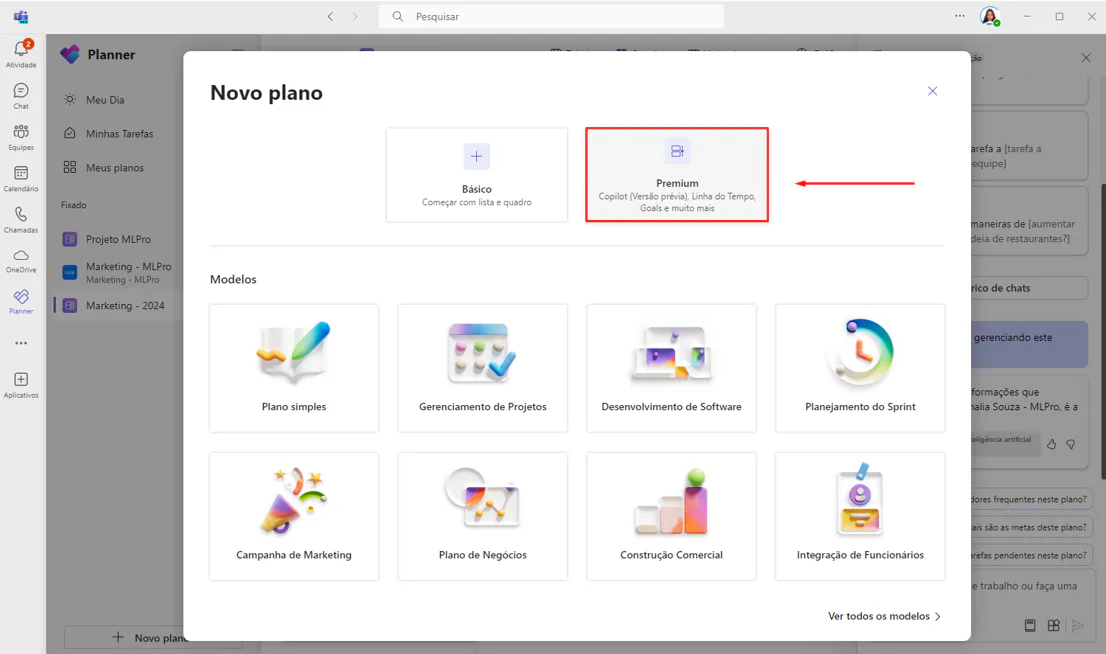
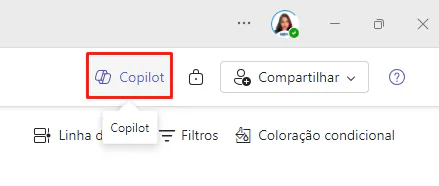
If you have access to Copilot, you will see the Copilot display button in the upper right corner. Remembering that it is being gradually made available to users.
Did you like the article? You want to know more about this resource? Access Microsoft's official article.
And if you are interested and want a presentation of our products, feel free to schedule an appointment with us at the following link: Microsoft PPM Easy Presentation
Original content from the MLPro editorial library, fully preserved and translated for the English website.
