
What you will find here
Learn how to personalize Microsoft Planner plans with custom backgrounds using the options described in this walkthrough.
Custom backgrounds are an excellent way to organize and differentiate your work plans. With the help of Artificial Intelligence (AI), background suggestions are adapted to the name of each plan, facilitating identification and navigation between the projects in which you are involved. This eliminates any confusion by switching between different tasks and teams. In addition, custom backgrounds not only help in the organization, but also provide a touch of style and fun, making your projects more visually enjoyable and unique
 Play video: YouTube video player
How to add custom backgrounds Embedding a custom background to your project is simple. Follow these steps to apply the desired customization:
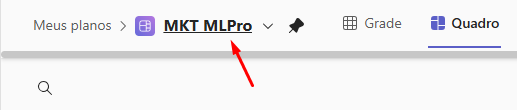
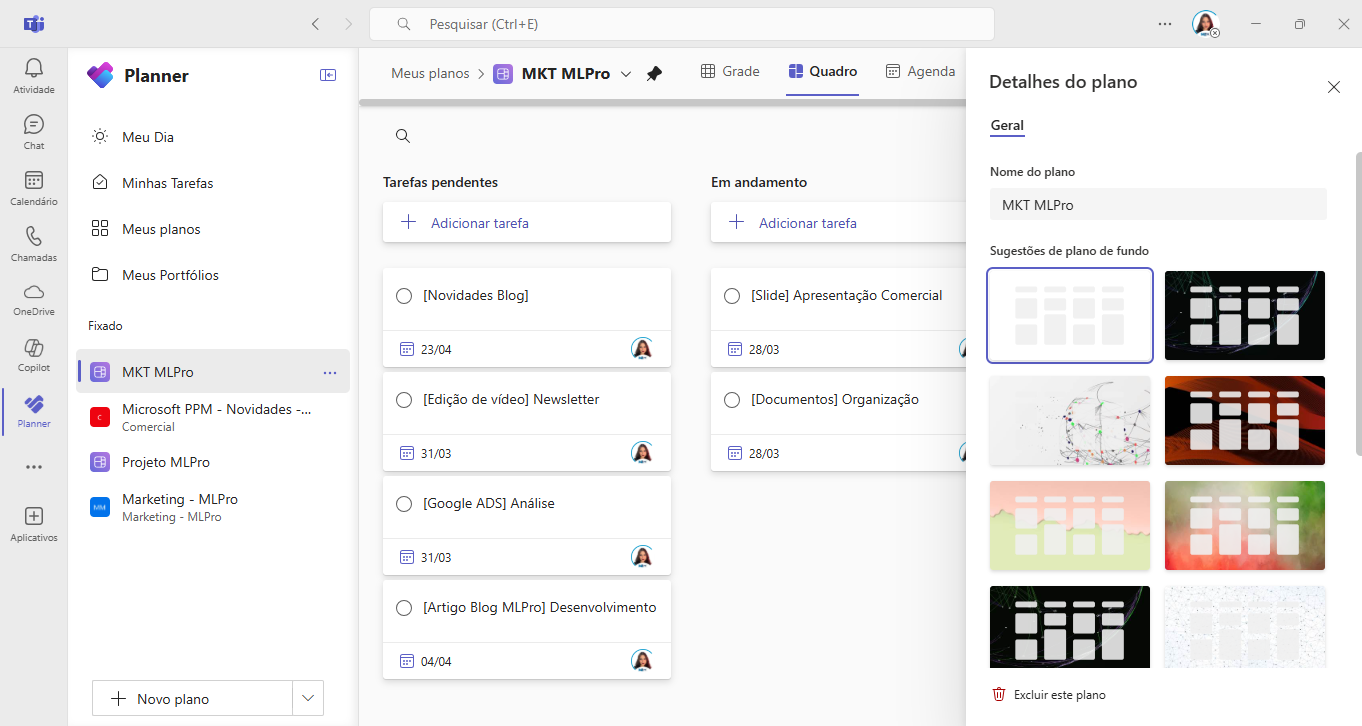
- Open the details of the plan you want to modify by clicking the plan name or the drop-down menu next to the name in the header.
- The panel Plan detailswill be displayed to the right, showing suggestions of backgrounds adjusted to your project.
- Choose the background that best suits your taste or the identity of your project.
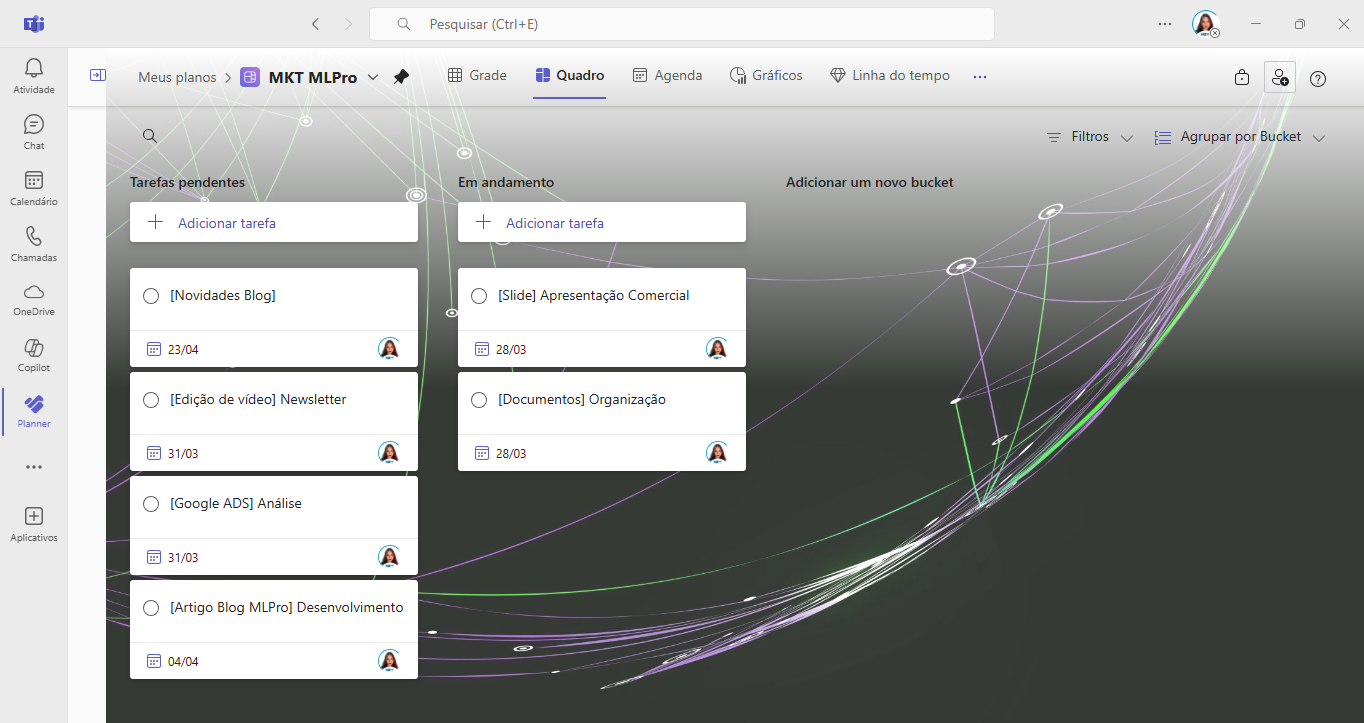
Smart backgrounds are available in the Planner application within Microsoft Teams and the Planner web version. Test this functionality today and make your projects even more interesting and organized.
And if you are interested and want a presentation of our products, feel free to schedule an appointment with us at the following link:Microsoft PPM Easy Presentation
Original content from the MLPro editorial library, fully preserved and translated for the English website.
