
What you will find here
How to make the flow visible, reduce bottlenecks and organize work in progress with simple and collaborative management.
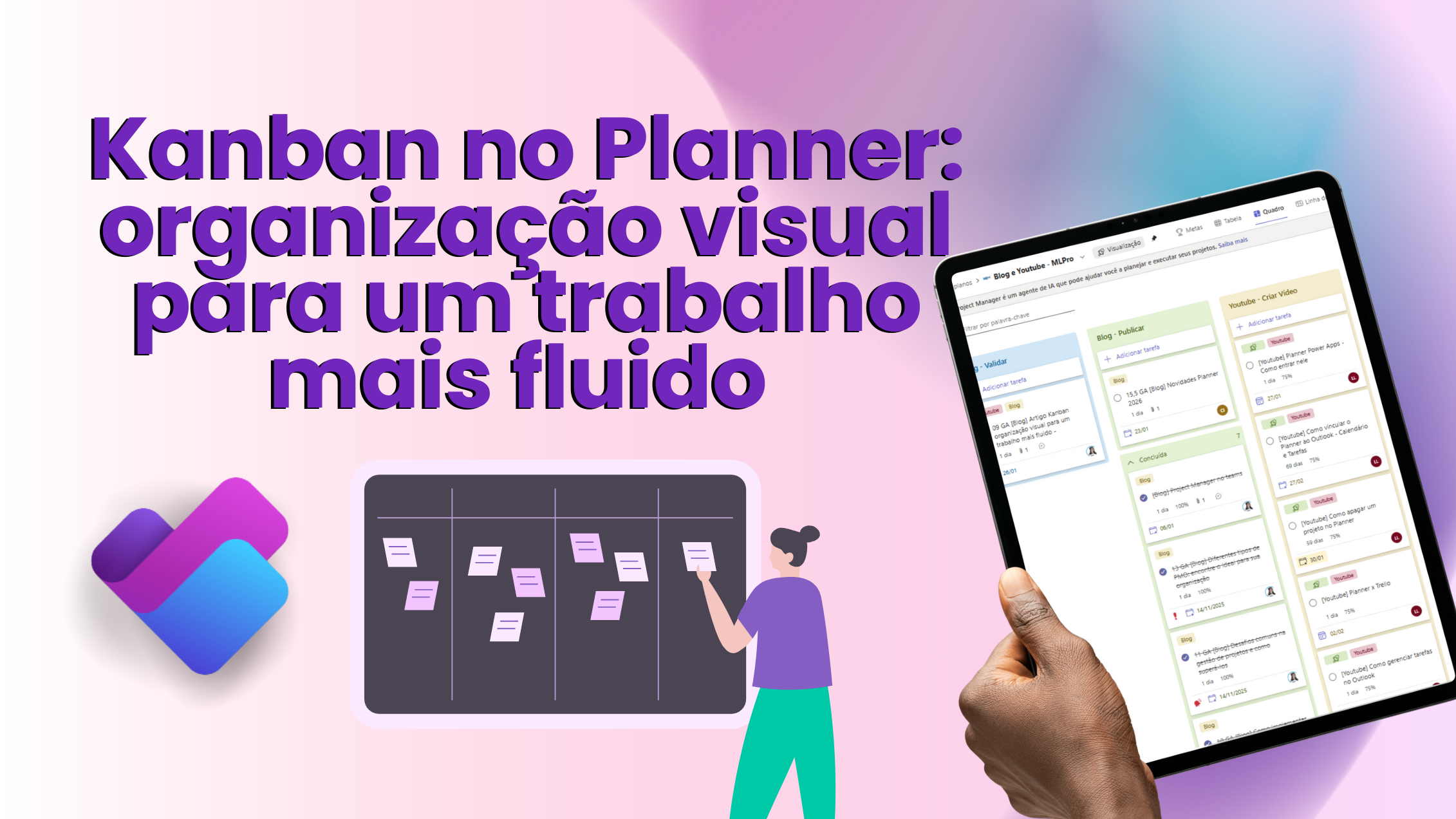
Kanban is a visual method of task management that helps the team see the work, reduce bottlenecks and keep the flow more predictable. It works very well in routines with constant demands, frequent changes and multiple priorities such as technology, PMO, marketing, service and operations.
The central idea is simple: make work visible and control the volume of ongoing activities, avoiding overload and accelerating deliveries with more quality.
If you want to see it working in practice, focus on buckets, cards and views, we also publish a video showing how to organize a Kanban frame on Microsoft Planner and how this improves the flow of everyday life. Watch:
Kanban: Visual organization for more fluid work
What Kanban is in practice
At Kanban, you organize the activities in a tableau with columns which represent stages of their process. Each activity is a card that moves as it advances.
The simplest model uses three columns:
- Doing
- In progress
- Done
Even simple, this already solves a common problem: the team stops “working in the dark” and starts to see what is standing still, what is at risk and what is blocking the flow.
01Elements that make Kanban really work
1) Columns that represent your flow
Columns need to reflect their actual process. Common examples:
- Doing
- In progress
- In revision
- Awaiting approval
- Done
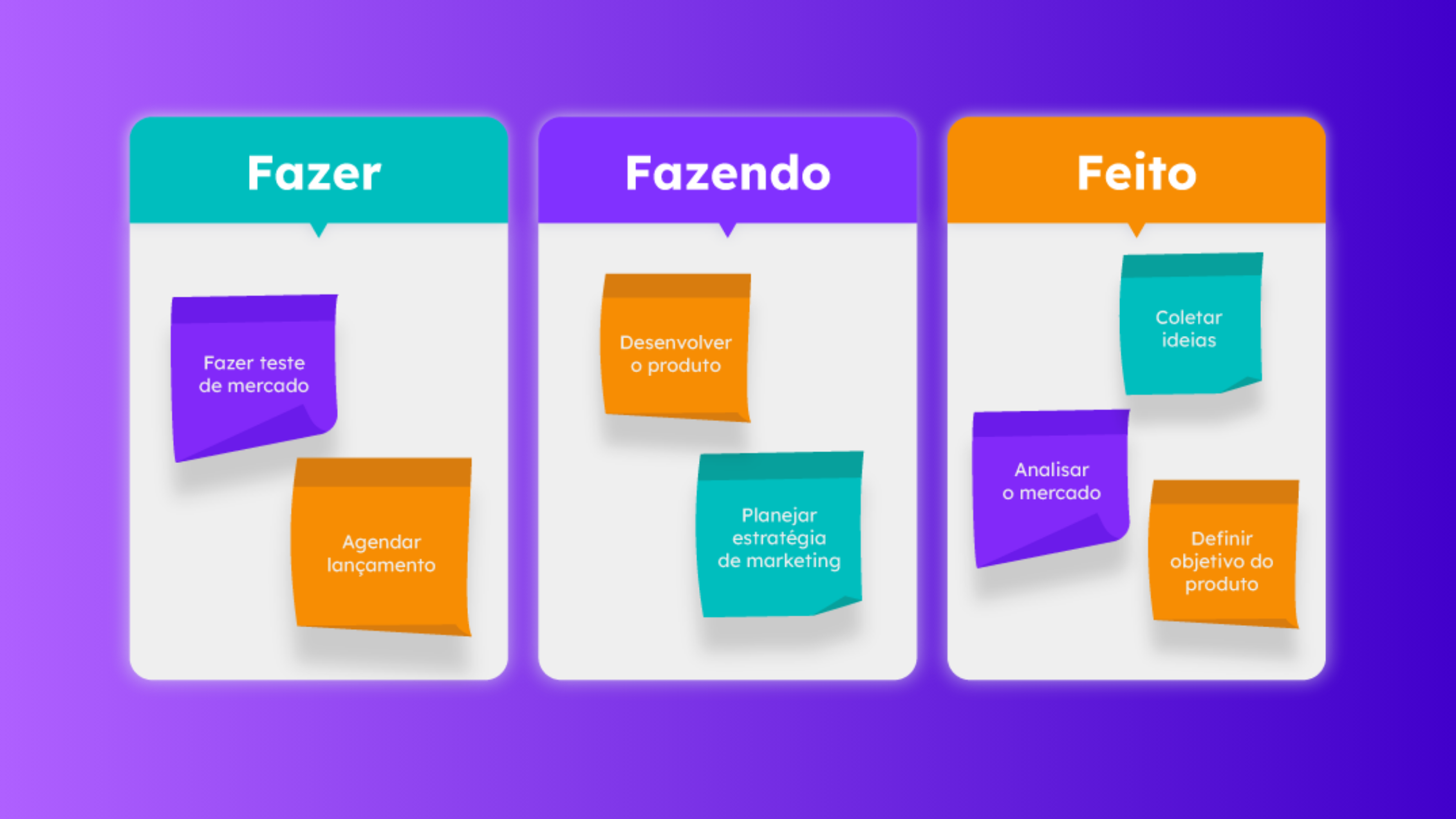
The more true to the real flow, the easier it is to identify bottlenecks.
2) Cards with minimum and clear information
Each card must contain the essentials for execution and follow-up:
- objective title
- responsible
- deadline
- priority
- important observations (dependencies, context, links)
3) WIP limit (work in progress)
WIP (Work In Progress) defines how many cards can stay in “In progress” at the same time.
- In progress: maximum 5 cards
When the limit breaks, the rule is simple: Stop starting and start finishing. This reduces multitasking, improves focus and increases predictability.
Real benefits in everyday life
Gargals show up fast
If a column begins to “fill”, you have a clear sign of bottleneck: locked step, external dependence, slow approval or overwork in progress.
More predictability over time
Accompanying the flow, you come to understand how long a demand takes to cross the frame.
- Cycle time: time from “In progress” card to “Completed”
- Lead time: “To do” card time until “Completed”
Light deployment without reinventing the company
You don't have to change everything to begin with. You can start with the current process and evolve as the team matures.
Where to apply Kanban
Kanban works especially well when you have:
- frequent deliveries
- constant demand entries
- need for rapid prioritisation
- dependencies and approvals in the flow
Kanban on Microsoft Planner: using buckets as columns
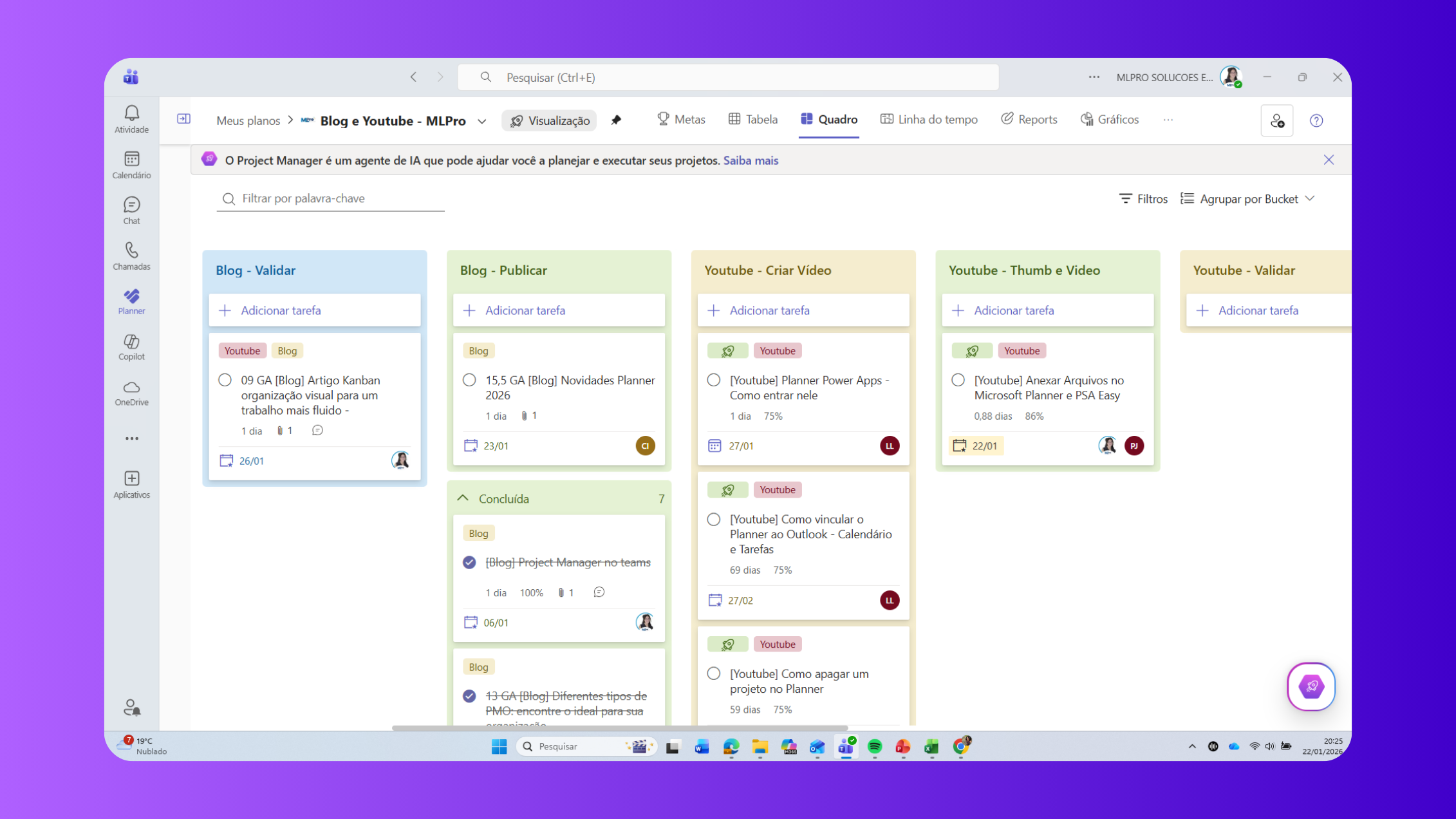
In Microsoft Planner, the most direct way to apply Kanban is to treat buckets as columns and tasks like cards.
- Backlog
- In progress
- In validation
- Blocked
- Done
Quick FAQ
- Kanban and Scrum?
Scrum is a framework with ceremonies and sprints. Kanban is a continuous flow method, focused on visualizing the work and limiting WIP. - What is WIP in Kanban?
It is the working limit in progress, used to reduce multitasking and increase predictability. - Can you use Kanban on Microsoft Planner?
Yeah. Buckets saw columns and tasks turned into cards. - Are Planner Buckets Kanban columns?
In practice, yes. It's the most common way to apply Kanban to Planner.
Contact us on the MLPro website

Watch this content on the MLPro channel.
 Play video: Kanban: Visual organization for more fluid work
Original content from the MLPro editorial library, fully preserved and translated for the English website.
