
What you will find here
Microsoft Project Online is a program that offers various resources for managing your portfolio, programs and projects.
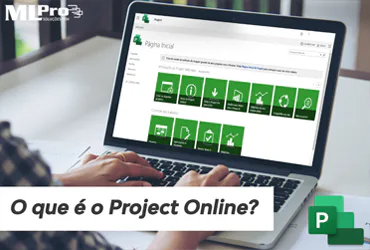
Microsoft Project Online is a program that offers various resources for managing your portfolio, programs and projects.
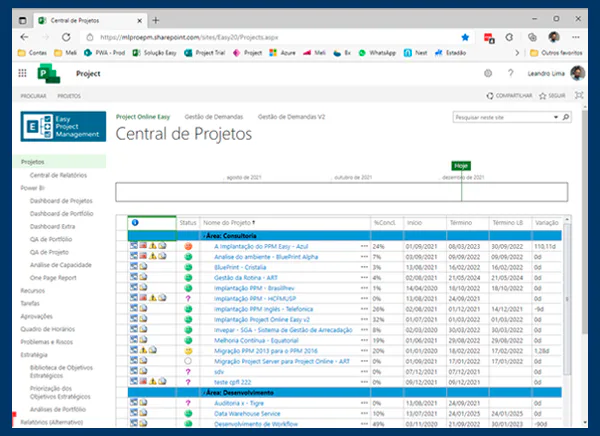
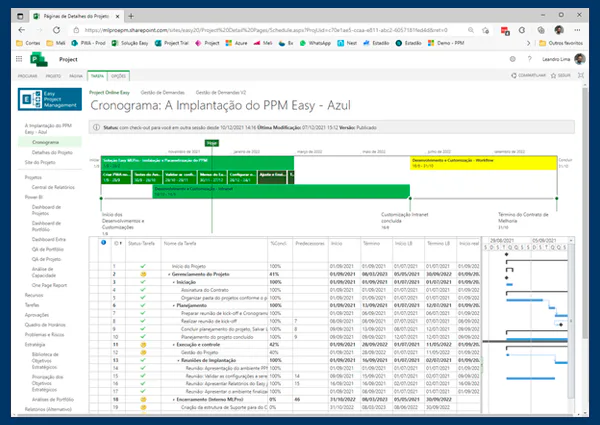
It enables the management of centralized schedules, allowing in a single location to see all your company's projects. It also allows the control of indicators and can have a central report. The environment can be used by directors, portfolio managers, project managers and team members.
01Benefits of Project Online
- All company projects in one place: Have a unified project portfolio, avoiding different schedule versions.
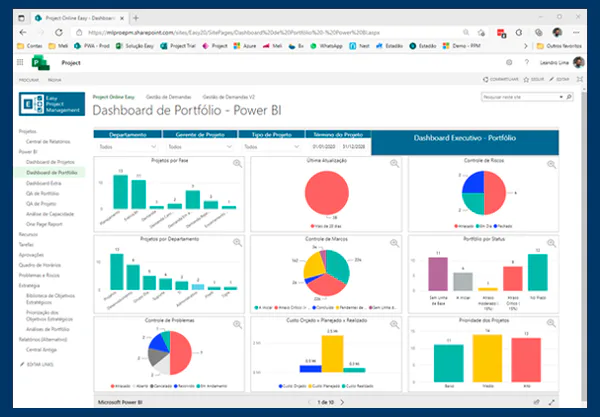
- Custom reports: Possibility to create custom reports with tasks, resources, costs, among others.
- Possibility of collaboration: The integration of tools such as Teams or native SharePoint enable better communication by facilitating teamwork.
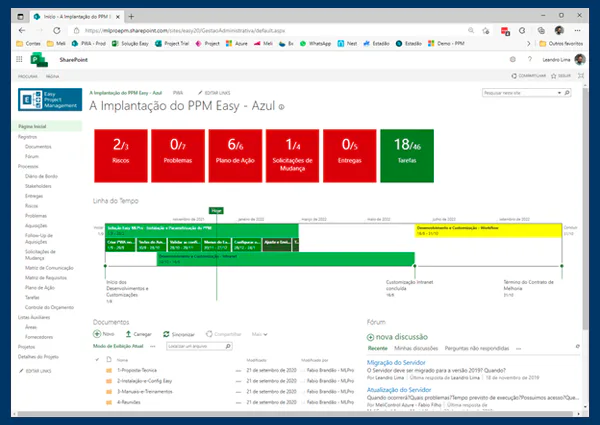
- Follow the task progress: Have complete control over the progress of your project tasks.
- Standardisation of information: Standardize and centralize information by facilitating the management of your projects and programs.
- Optimize your Portfolio: Possibility to evaluate and ensure better planning results with task and resource management, boosting the value of your portfolio.
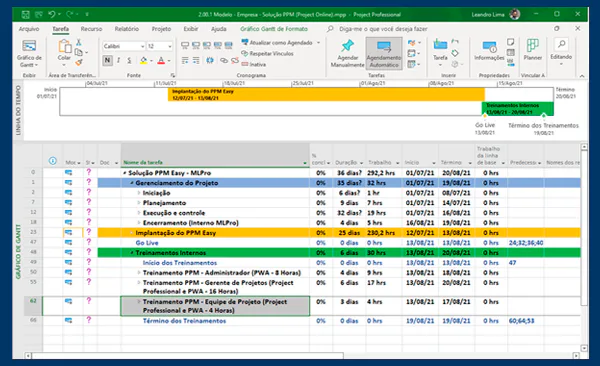
- Creation of global timeline templates: Possibility to create global schedule models to speed up your planning.
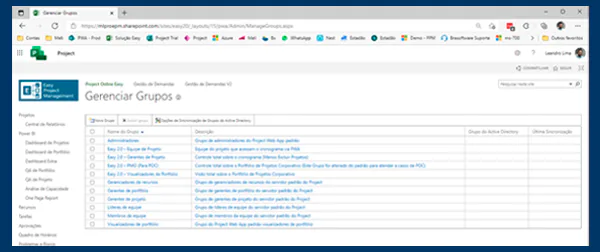
- Access control and editing: Allows you to control who you can send or even access schedules, calendars, fields and other custom features.
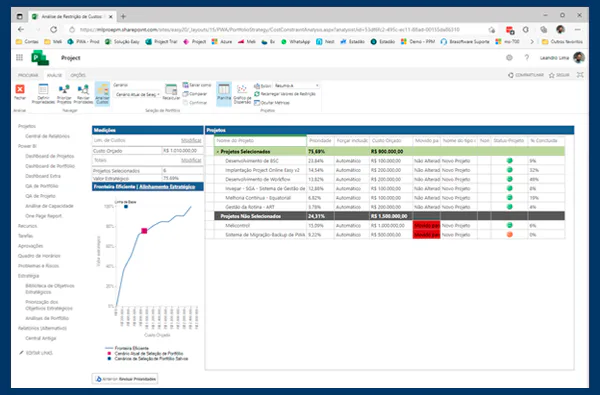
- Prioritization of Projects: Select and prioritize your projects according to your goals.
02Available plans
The hiring of Project Online is made from one of the packages offered by Microsoft, being them Project Online Essential and Project Plan 1, 3 and 5.
Project Plan Essential is intended for access by team members. On the other hand, 3 and 5, although they have many equivalent features, have their differentials.
For the decision of which license it is recommended to consult an expert, since this step can bring significant savings and avoid disturbances when buying the improper license for use.
03Resources from the Project Center
- Alerts and reminders
- Baselines
- Frame display
- Critical Path
- Dependencies
- Gantt Display
- Grid display
- Problem and risk management
- Main projects
- Notifications
- Project Desktop
- Summary task
- Schedule of tasks
- Task Updates
- Time Lines
- Schedule
- Approval of timetables
- Time Pointing Control
04Project Site
- Documentation control
- Demand control
- Form creation and control
05Demand management
- Creation of new Demand
- Demand control
- Approval workflow
06Resource management, programs and portfolios
- Project cost and budget
- Project Team Control
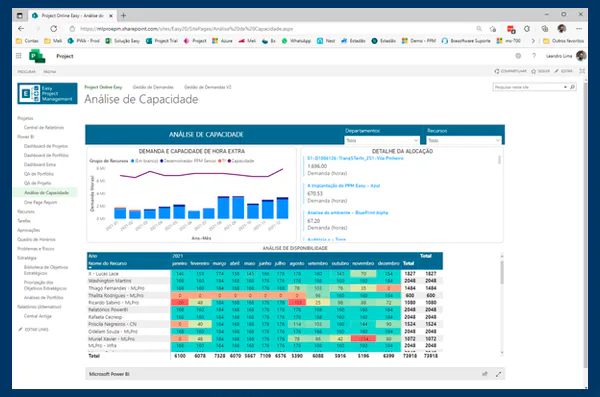
- Resource capacity displays
- Resource cost
- Resource commitments (reserves)
- Resource capacity planning
- Analysis and portfolio prioritization
07Reports
- Project Portfolio Reports
- Reports with Power BI
08Customization and integration
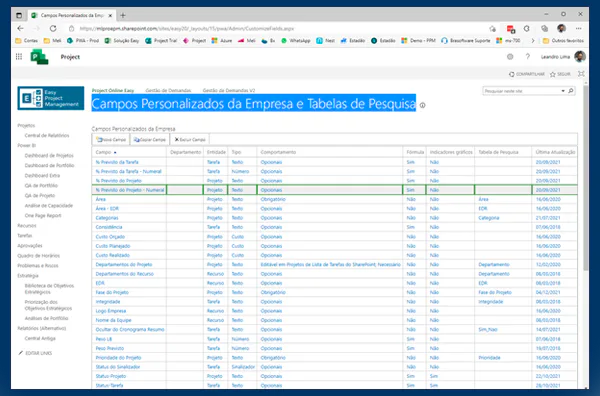
- Custom tag
- Custom fields
- Power Apps
- Workflows
- Integration with Microsoft 365
09Security management, user and service
- Active Directory Integration
- User Management
- Administration of services
- Environment hosted in Brazil by Microsoft itself
Learn more information clicking here.
If you are interested and want a product presentation, please schedule an appointment with us at the following link: Microsoft PPM Easy Presentation.
Original content from the MLPro editorial library, fully preserved and translated for the English website.
