
What you will find here
Review the August 2024 Microsoft Planner in Teams updates and the features described in this archived release overview.
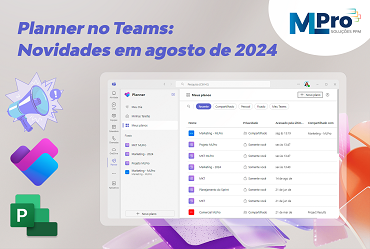
Last month the Planner team shared new updates in the app Planner for Microsoft Teams.
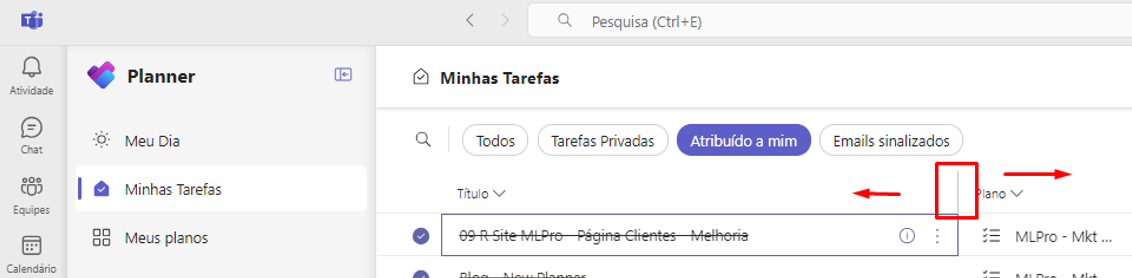
01Resize columns in grid display mode
It is now possible to customize your task preview by adjusting the width of columns in the Grid view. This facilitates concentration on the most relevant information. To resize, just move the mouse over the column limit in “My Day”, “My Tasks” or in any project, and adjust as needed.
02Discover the recommended Projects
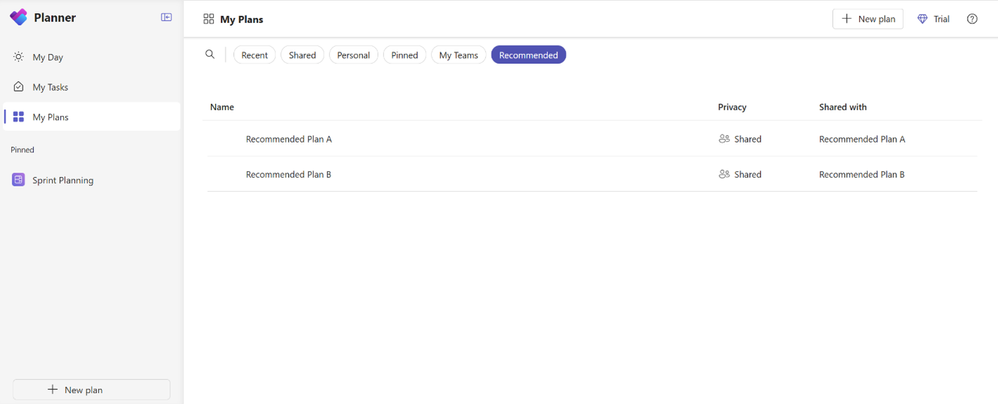
This feature helps you quickly find projects relevant to your work, highlighting all new projects with tasks assigned to you that you have not yet seen.
You will find the Project Recommended display in My Plans, along with other exhibitions such as Recent, Shared, Private and Fixed. Remember that the “Recommended Projects” view will only appear when there are new projects with tasks assigned to you that have not yet been listed in “Recent Projects”.
03An enhanced experience to copy project links
Now, by copying the project link, the project name will be included in the copied link, facilitating the project identification by you and your teammates. Just click “Copy link to plan” on the floating menu of any project and paste the link to check the update.
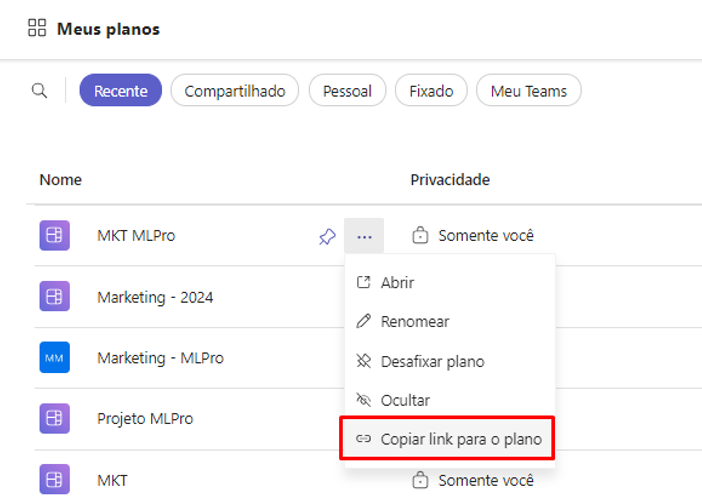
Demonstration:

04Use Copilot in Planner (preview)
Although the final price has not yet been announced, users licensed to Project Plan 3 or Project Plan 5 can already experience the Copilot in Planner.
If you want to try this feature, but do not have a Project license, you can start a 30-day free trial of a Project Plan 3 license.
05Open Planner Premium faster
Recently, Microsoft has made several changes so you can open your Planner for the Web 15% faster than before in order to improve application performance and success in your work.
So, did you like the news? Continue following our blog to learn all updates on New Planner on Teams. To learn more about this article, visit the Microsoft's official article.
And if you are interested and want a presentation of our products, feel free to schedule an appointment with us at the following link: Microsoft PPM Easy Presentation
Original content from the MLPro editorial library, fully preserved and translated for the English website.
