
What you will find here
Review the Microsoft PPM licensing comparison covering Planner and Project plans, with the options and distinctions described in the article.

If you are seeking to professionalize the project management in your company, one of the first doubts that arise is: what licenses are required to use Microsoft Project? And what's the difference between the options of Microsoft Planner, Project Plan 1, Project Plan 3, Project Plan 5 and other Microsoft solutions?
In this article, we will answer these and other frequent questions about the Microsoft PPM (Project and Portfolio Management) licensing. Let's show which products are part of the solution, which is included in each license and which prices are up-to-date. All this in an accessible way, both for experienced project managers and for those who are starting.
What is Microsoft PPM?
Microsoft PPM is Microsoft's task, project, program and portfolio management toolkit. It includes solutions like Microsoft Project Online, Planner, Power BI Pro and Power Automate, which can be combined according to the need of your team.
Microsoft PPM environment
Before talking about license, it is important to understand the types of environment that are possible for this. Follow their list:
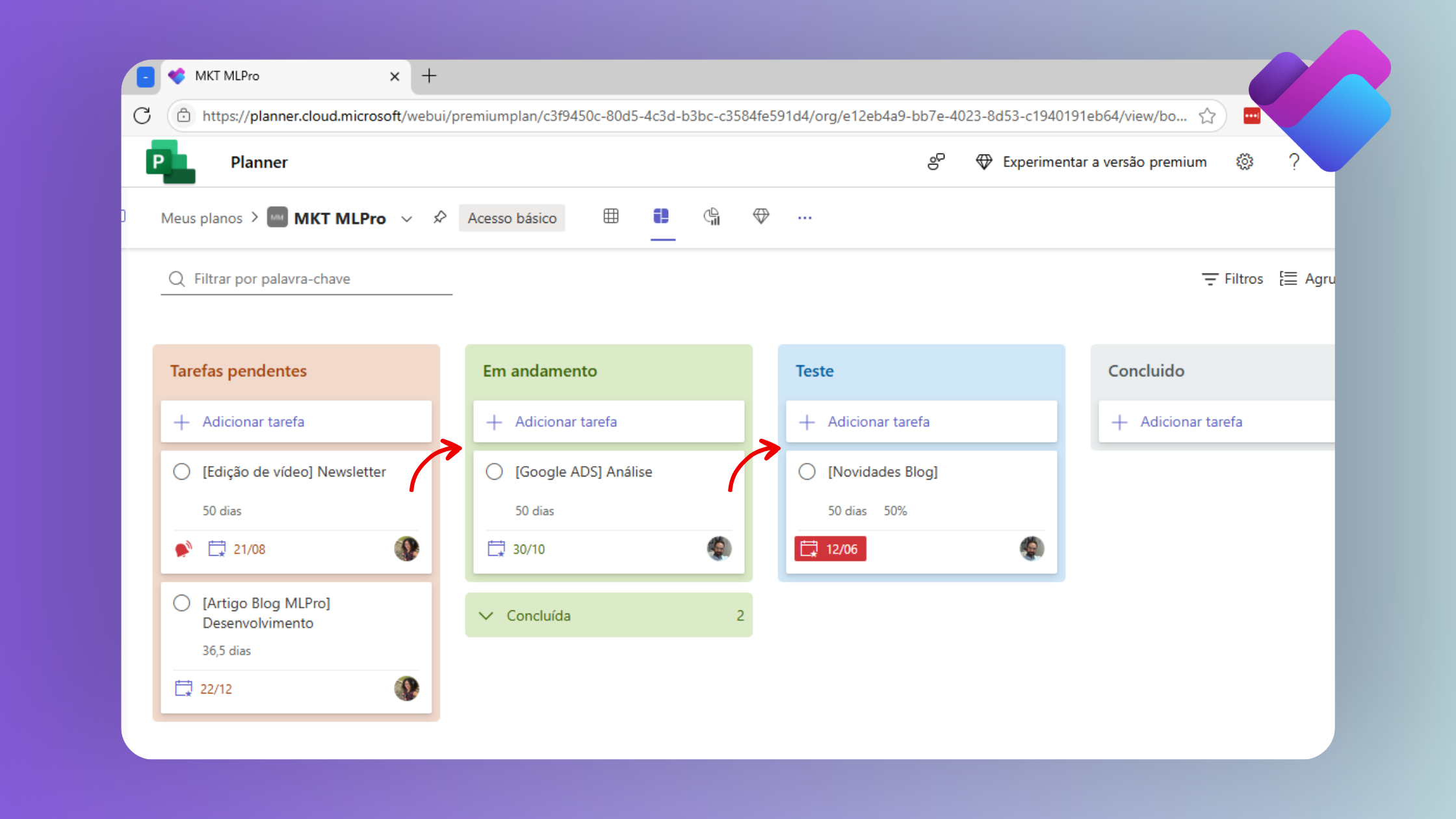
1. Microsoft Planner (Basic and Premium)
• Basic Planner:
- More suitable for managing simple activities and projects.
- Simple task management tool.
- Integrated to Microsoft 365 (Teams, Outlook).
- Ideal for small teams or simple projects.
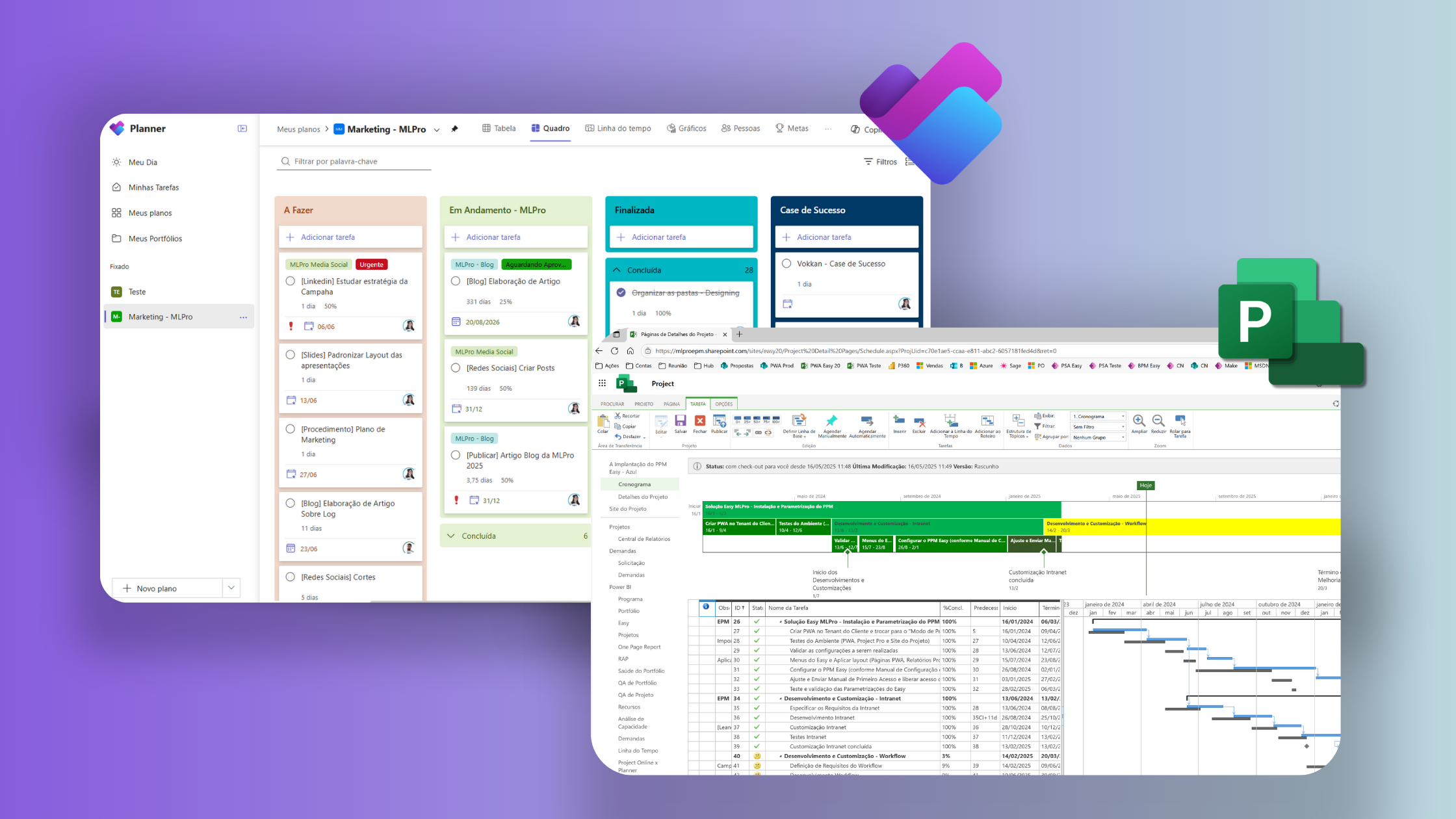
- Kanban type interface.
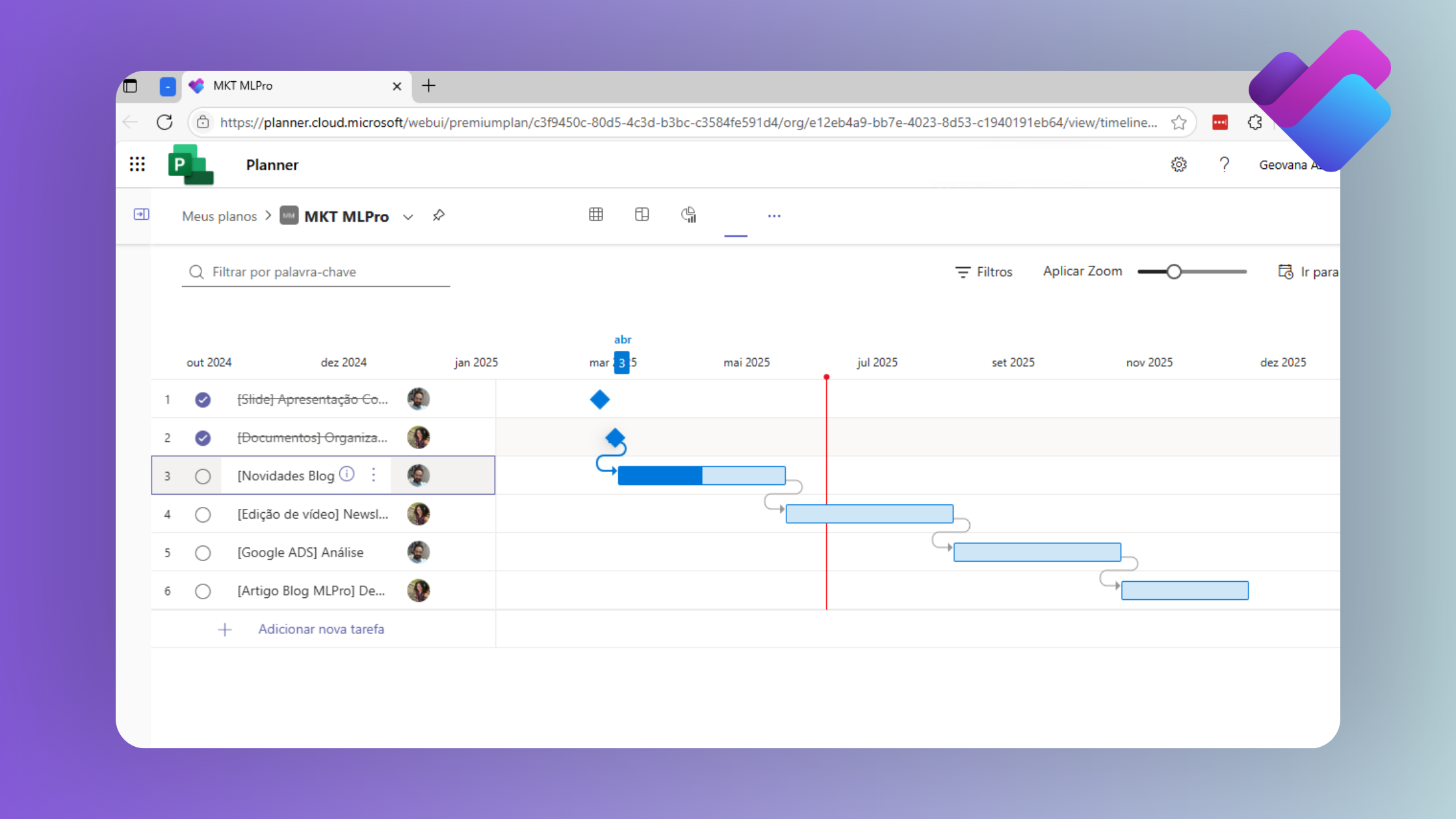
• Planner Premium (Former Project for the Web):
- Suitable for low complexity projects, but with dependencies between activities.
- Available Resources:
- All basic Planner and the following:
- Timeline
- Integration with the AI of Microsoft Copilot
- Intuitive interface with grid, frame and timeline views.
- Integration with Power Platform
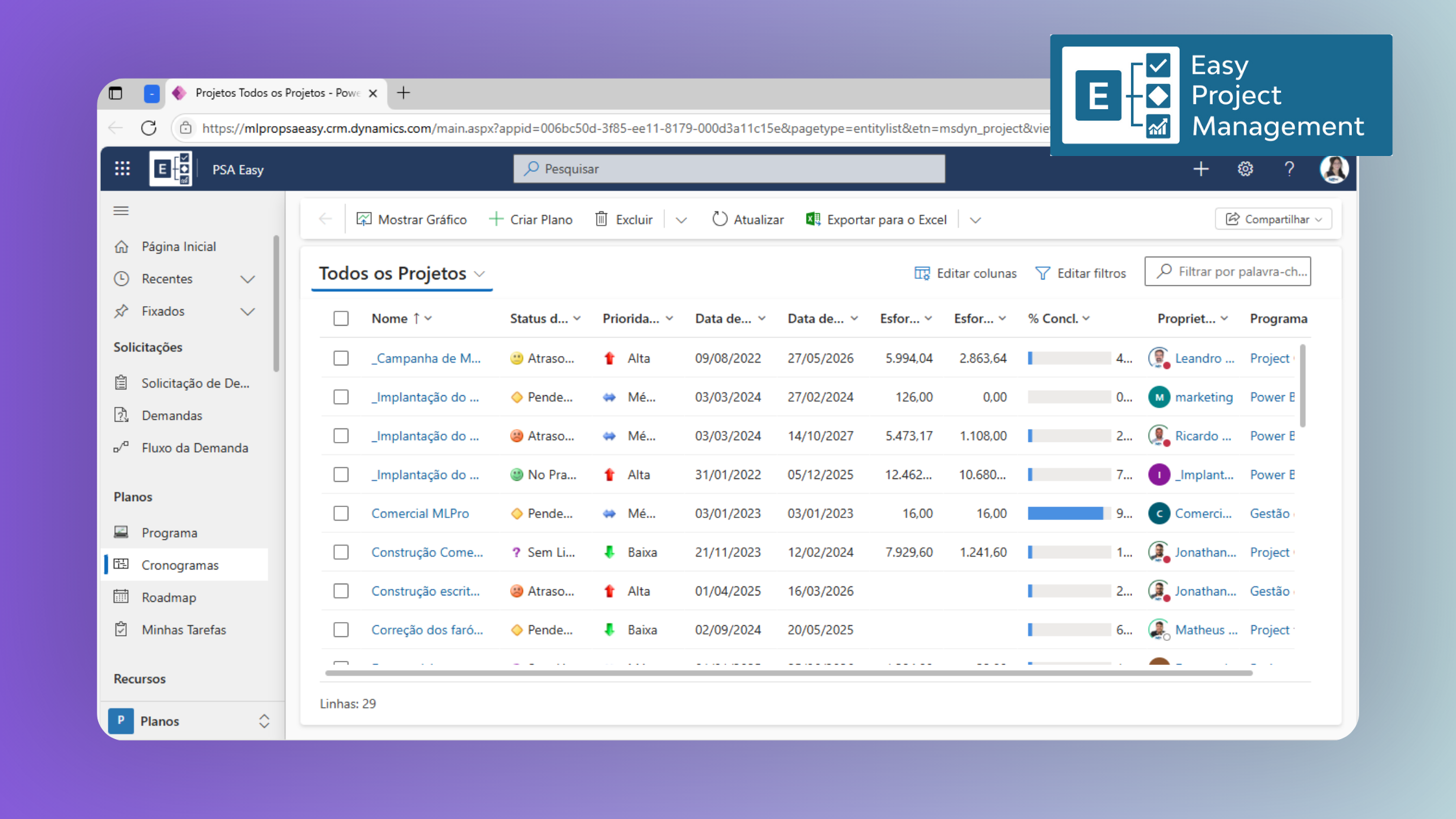
2. PSA (Project Service Automation):
- More robust version of Microsoft Planner Premium, with Project Portfolio Management.
- It is recommended to hire a specialized company to implement the environment.
- Manages from proposal to project delivery and billing.
- It allows you to create custom lists to follow, such as Risks, Problems, Lessons Learned and whatever else is needed.
- It allows the creation of customized project and portfolio reports for each company.
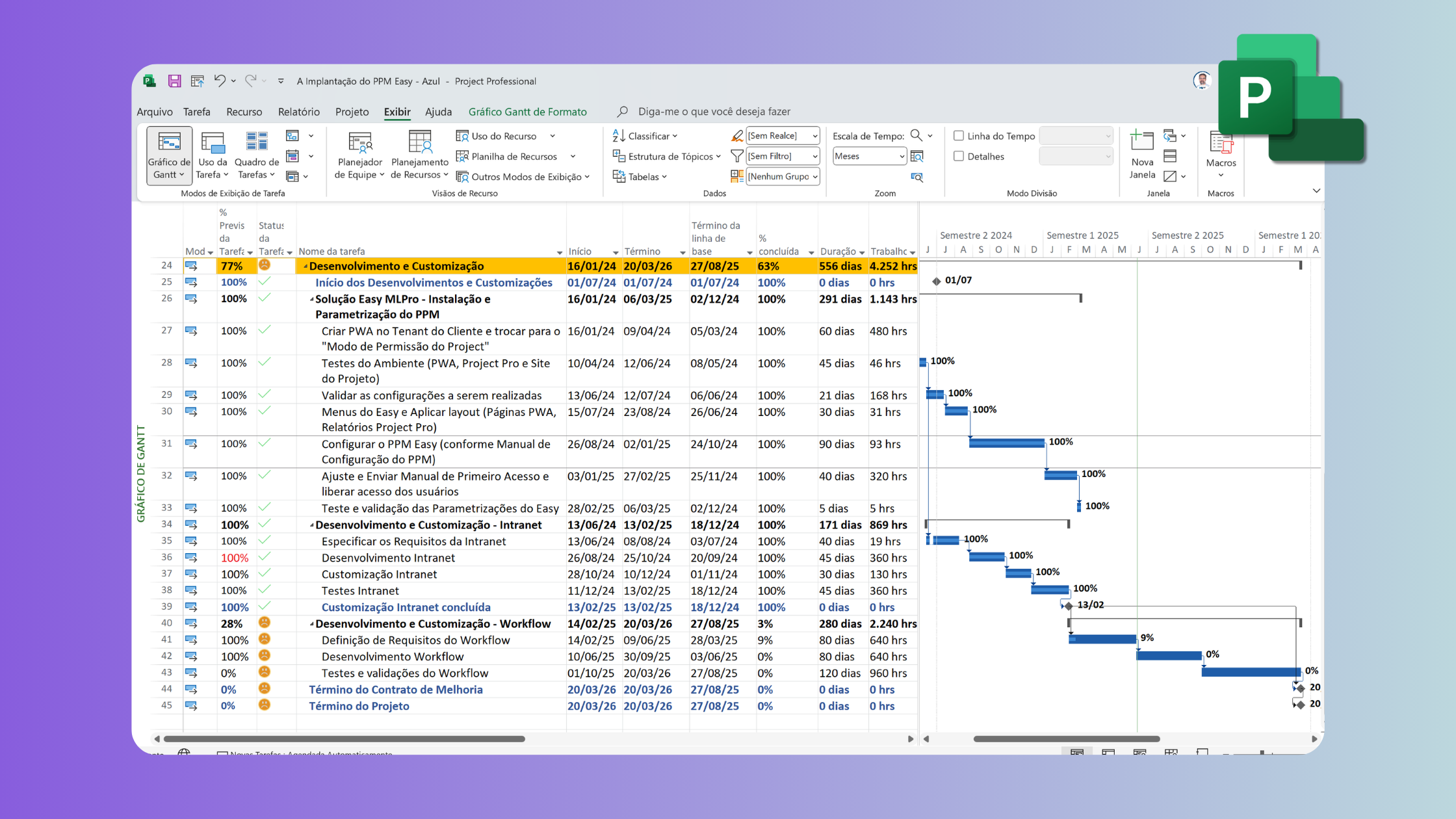
3. Microsoft Project Professional:
- Full desktop application for project management.
- Supports detailed schedules, critical paths, resource allocation.
- It can be used offline.
- Integrates with Project Online for project synchronization.
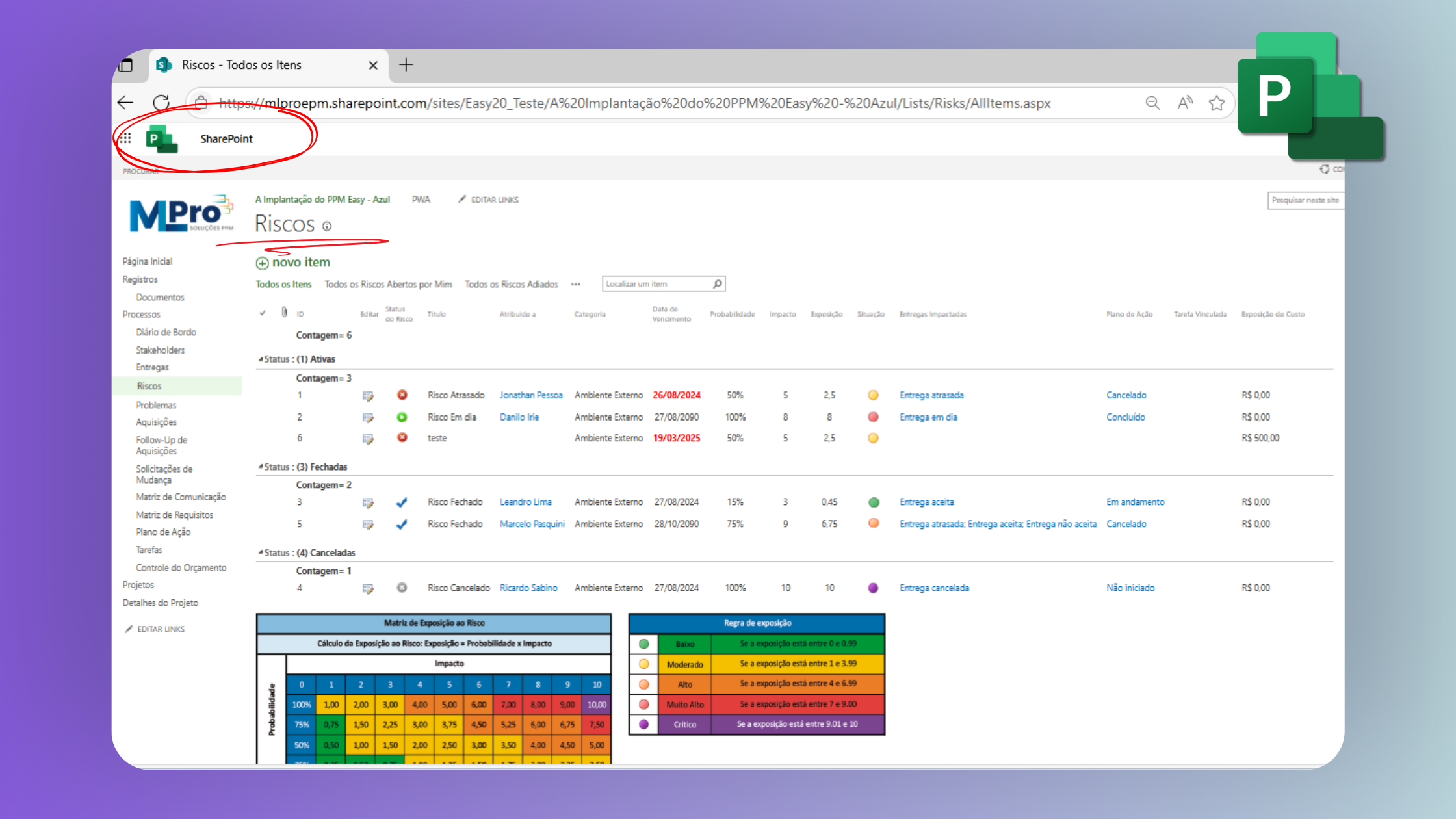
4. Microsoft Project Online (PWA - Project Web App):
- More robust and traditional project portfolio management solution (PPM)
- It is recommended to hire a specialized company to implement the environment.
- Based on SharePoint Online.
- Supports resource management, complex schedules, advanced reports.
- Ideal for PMOs and large organizations.
Microsoft Project licenses: know the options
See below a summary of the most common licenses used in the context of project management with Microsoft tools:
- Project Online Essentials: Focused on team members who need to follow projects or update tasks on Project Online. It's a simple option, with reduced cost.
- Planner Plan 1: Used only for the Planner Premium and does not give access to Project Online. Provides basic features of Microsoft Planner, ideal for visual task management.
- Planner and Project Plan 3: This is the recommended License for Project Managers who need to register projects in Project Online and in Planner Premium. This license also allows the installation of Microsoft Project Professional.
- Planner and Project Plan 5: we do not recommend this license because currently the resources available in it are not used.
- Power Automate Premium: essential for process automation in the PSA.
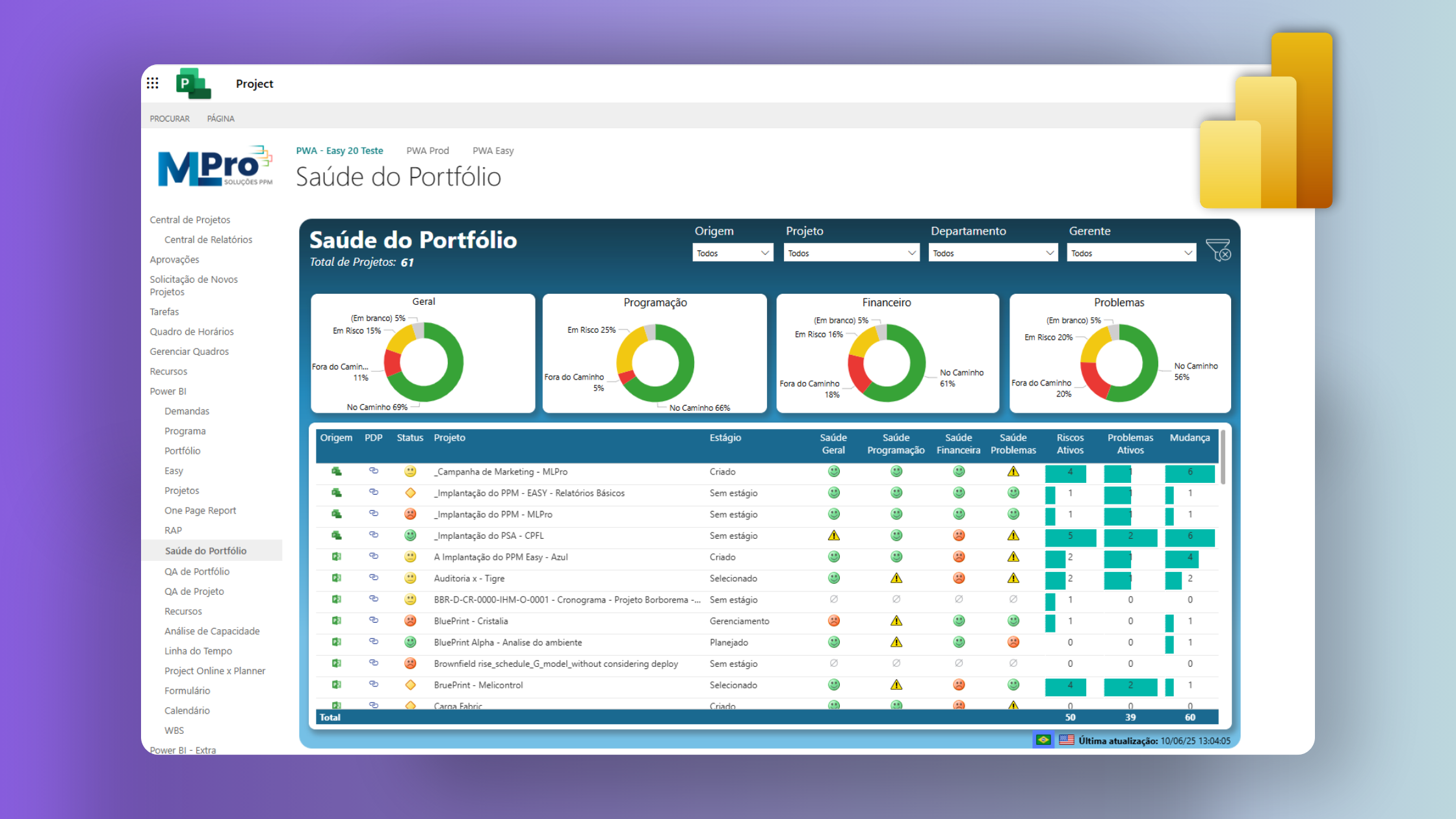
- Power BI Pro: focused on data analysis and creation of dashboards that support strategic decision making.
- Microsoft Project Professional: Although it can still be purchased as a perpetual license (only purchase), we recommend the purchase through the license rental that is available in the Microsoft Project Plan 3.
Understanding the differences of each license can avoid budget waste or technical limitations in the future.
Comparison of prices (June/2025 values)
Below is a price estimate based on a real scenario of multiple users:
| License | Recommended for | Public | Monthly per User* |
|---|---|---|---|
| Office 365 | Basic Planner | Team and Directors | - |
| Project Online Essentials | Project Online | Team and Directors | R$ 46.86 |
| Planner Plan 1 | PSA | Team and Project Managers | R$ 66.96 |
| Planner and Project Plan 3 | Project Online and PSA | Project Managers and PMO | R$ 200.77 |
| Planner and Project Plan 5 | - | We don't recommend | R$ 343.01 |
| Power Automate Premium (PSA) | PSA | Development of automations | R$ 94,12 |
| Power BI Pro | Project Online and PSA | Development of Corporate Reports | R$ 93.73 |
* Estimated values based on June 2025. They may vary according to Microsoft updates.
How to choose the best license?
Companies seeking basic solutions for their project teams can start with Planner Premium and Project Plan 3, besides the joint use of Power BI Pro and Power Automate Premium.
Ideal choice depends on factors such as:
- Amount of simultaneous projects
- Level of governance required
- Number of users and their roles (managers, team members, analysts)
- Integration with other Microsoft solutions
How can MLPro help your company?
A MLPro is a specialist consultancy in the deployment and optimization of Microsoft solutions for project management. With more than 20 years experience more than 75,000 projects supported, we offer a complete service, adapted to the reality and maturity of each customer.
We already support large companies like Alive, Tiger, Camil and Ypê in modernizing their management environments. Our services include:
- Technical and functional consultancy in the choice and configuration of the ideal licenses (Planner, Project Online, Power Platform)
- Implantation and customization Planner Premium (Project for the Web) for different areas and levels of complexity
- Specialised deployment and support Project Professional for companies that still use or combine the local version with the online environment
- Creation of automated flows with Power Automate, integrating tools, emails, tasks and reports
- Developer of dashboards with Power BI, connecting real-time data to generate strategic views
- Training of teams, with custom training and continuous adoption support
If your company is evaluating how to modernise your project management or needs support to choose the right Microsoft licenses, our team is ready to help.
Schedule a custom presentation with one of our experts and find out how MLPro can transform the way you conduct your projects.
Original content from the MLPro editorial library, fully preserved and translated for the English website.
