
What you will find here
Follow the archived Project Server 2010 procedure for checking users' last access through the Last Connection information.
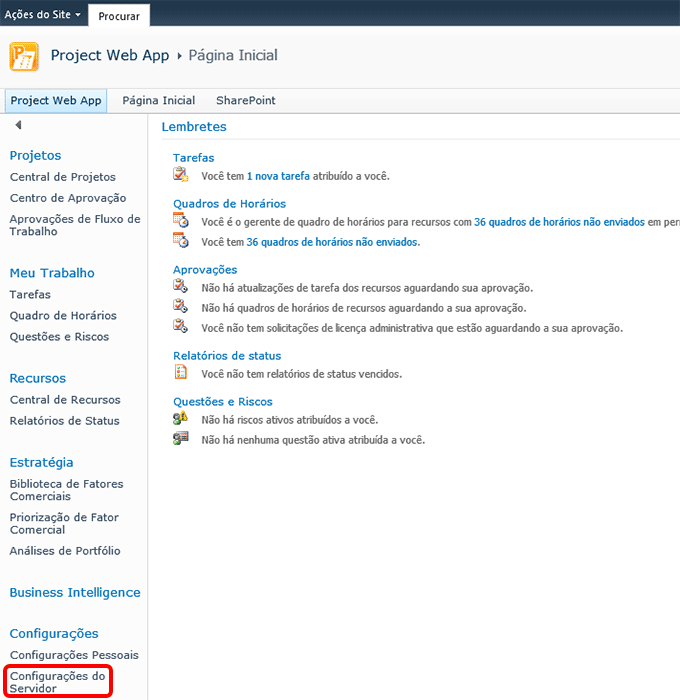
Go to Server Settings (at the end of the left vertical menu):
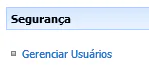
In the Security section, click Manage Users:
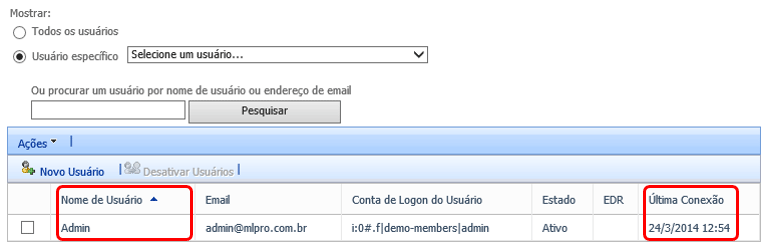
Is it possible? Find a user by Username or Email Address.
Note: The Last Connection column shows the last date the user accessed the system.
Another way to view the accesses is:
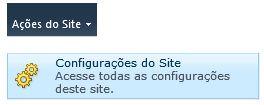
Entering PWA on the left side and above on the page, click Site Actions and Site Settings.
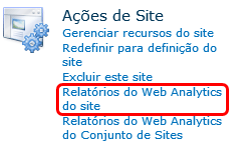
Then, in the Site Actions section, click Web Analytics Reports.
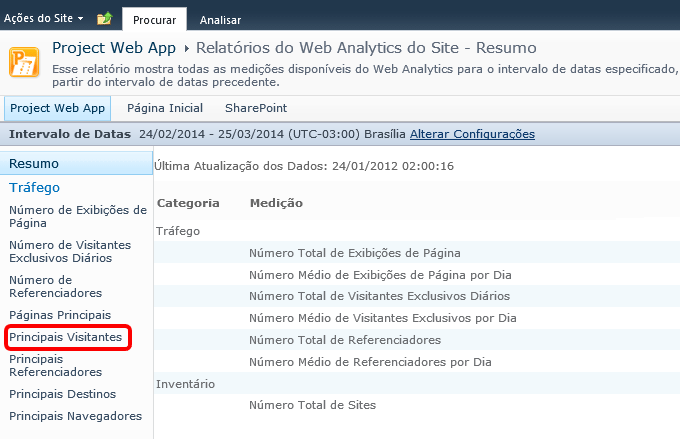
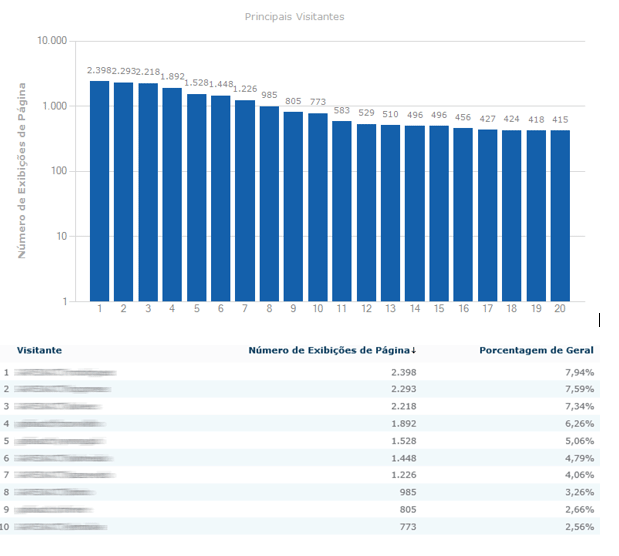
By clicking the Main Visitors item, a graph and user access statistics will be presented.
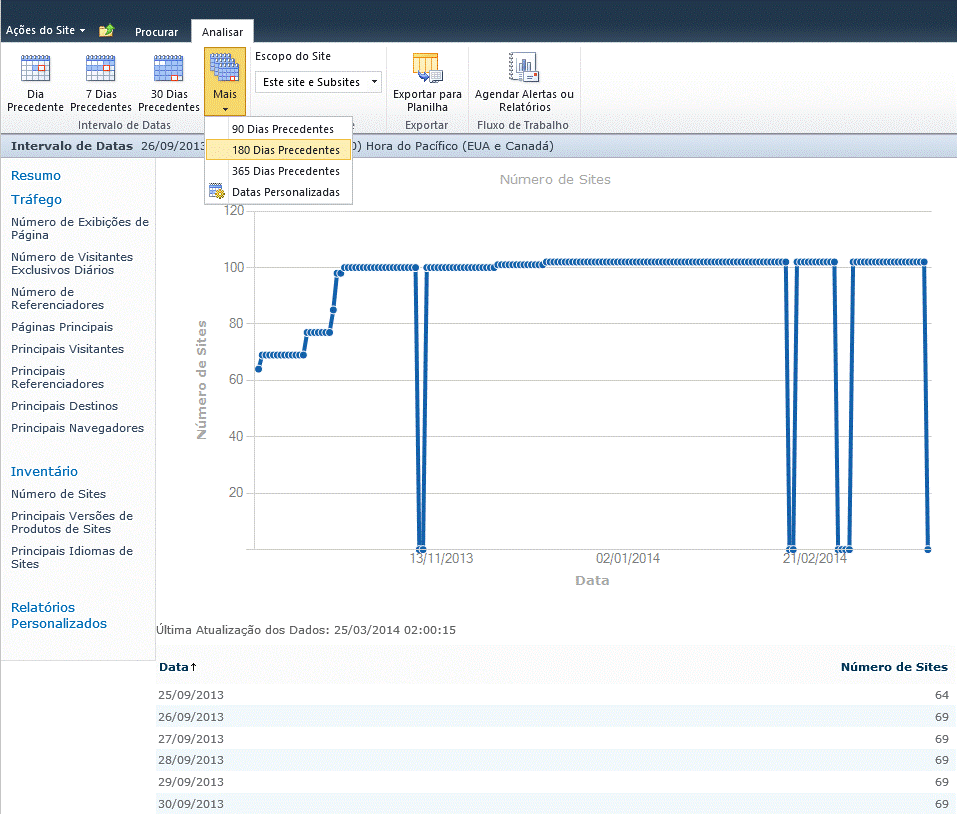
To check the statistics of a longer period of time, at the top left of the page, there will be the Analyze tab. Open this tab and select the period for which you want to generate a preview:
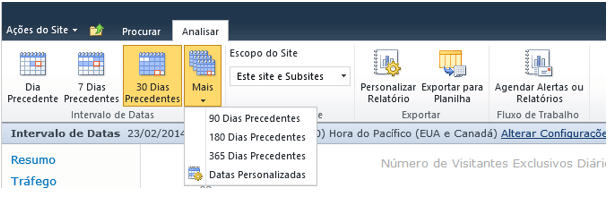
To view by page, in the links on the left side, select which page you want to view, and then in the Analyze tab, choose the desired time period.
Original content from the MLPro editorial library, fully preserved and translated for the English website.
