
What you will find here
Review the October 2025 Microsoft Planner updates covering Project Manager Agent, web search and task generation.
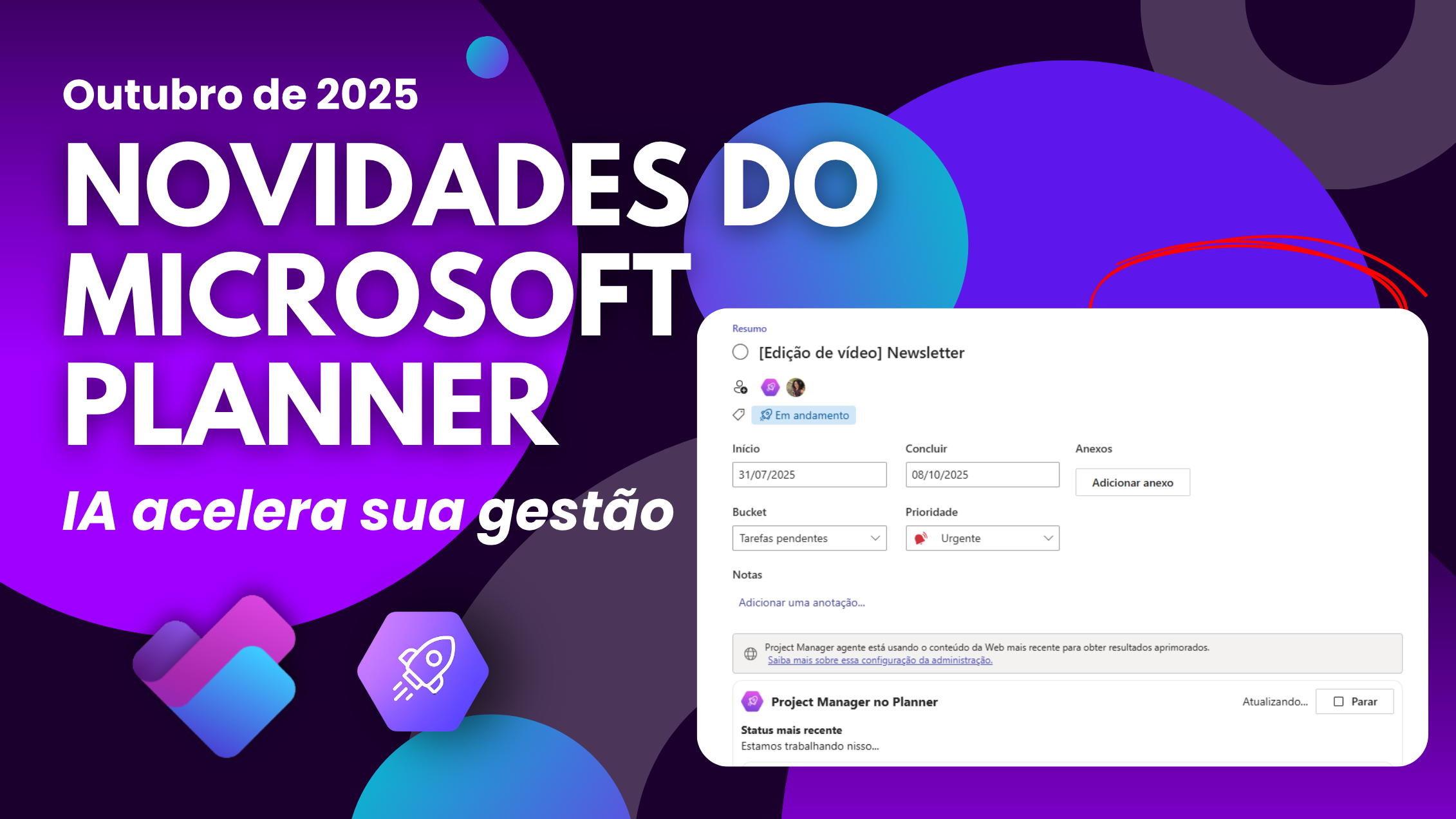
01Why the news from Planner is important to your team
Microsoft has presented new functions for Planner to make task management smarter and more integrated to Microsoft 365. O Project Manager agent, the AI that suggests tasks and automates reports, is now available within the plans Planner Premium existing and accessible via browser. In addition, AI gained support for web search and improvements in the generation of plans, bringing more precise suggestions. There is also a new button to chat with the agent on any screen.
For those using Planner Premium, changes simplify project monitoring, reduce rework and increase visibility. Next, see how every novelty can impact your processes and how you can prepare to make the most of them.
02Project Manager Agent on Premium and web plans
The Project Manager agent is fully integrated into the existing Premium plans. This means that without installing anything, you can generate status reports, automate task creation and share information with your team. The novelty extends to the Planner web version, allowing users to access these features directly in the browser, either at home or in the office.
Benefits:
- Automation on any device: generates tasks and status reports on your desktop or browser.
- Improved collaboration: AI suggests activities based on project history, reducing communication failures.
- Integration with SharePoint: Updates automatically feed SharePoint schedules and websites, keeping the entire portfolio aligned.
If you still do not use Planner Premium, we recommend checking our guide on how to organize your tasks with Microsoft Planner to begin with.
03Web search and generation of smarter tasks
Now Project Manager agent can search for information on the internet when it needs additional context. It identifies tasks that can benefit from external data, performs the search and includes references in the result, always respecting the organization's security policies. This feature is useful for finding deadlines, templates or trends without leaving Planner.
Another improvement is the generation of smarter plans. By setting a goal or sprint, AI offers job suggestions that are more aligned with goals, making planning faster and more accurate. For managers working with Power Apps, these suggestions can be used as a basis for more robust schedules and automated reporting.
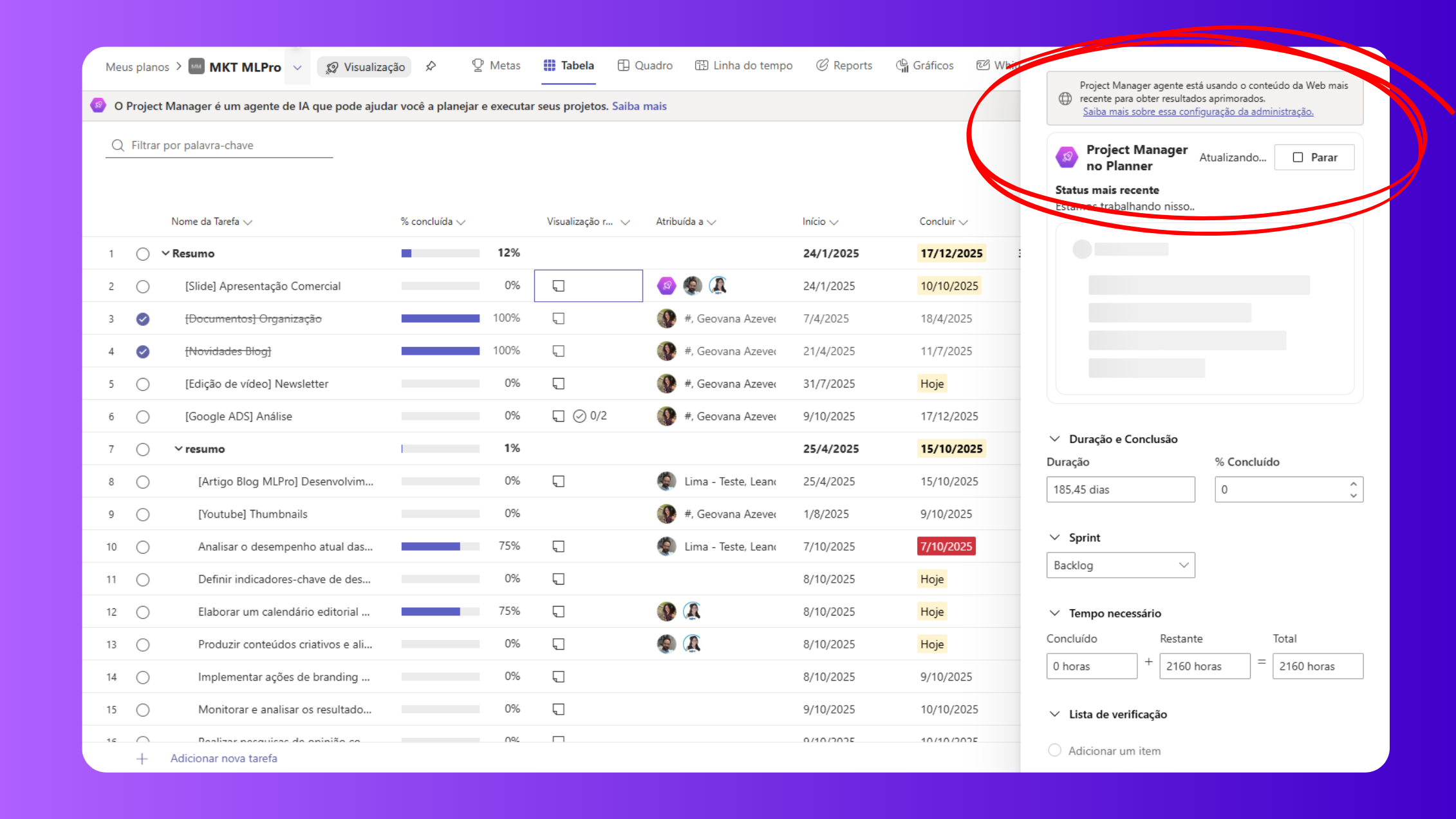
Main benefits:
- Automatic search: Find external data without changing tool.
- Suggestions aligned with objectives: turn goals into concrete tasks.
- Less time lost: eliminate manual searches and focus on execution.
04New floating chat button
The interaction with the AI became simpler: Project Manager agent chat won a floating button at the bottom right corner of the plans. With one click, you can:
- Ask questions about the progress of the project.
- Ask for help organizing tasks or reviewing deadlines.
- Get quick guidance without browsing through menus.
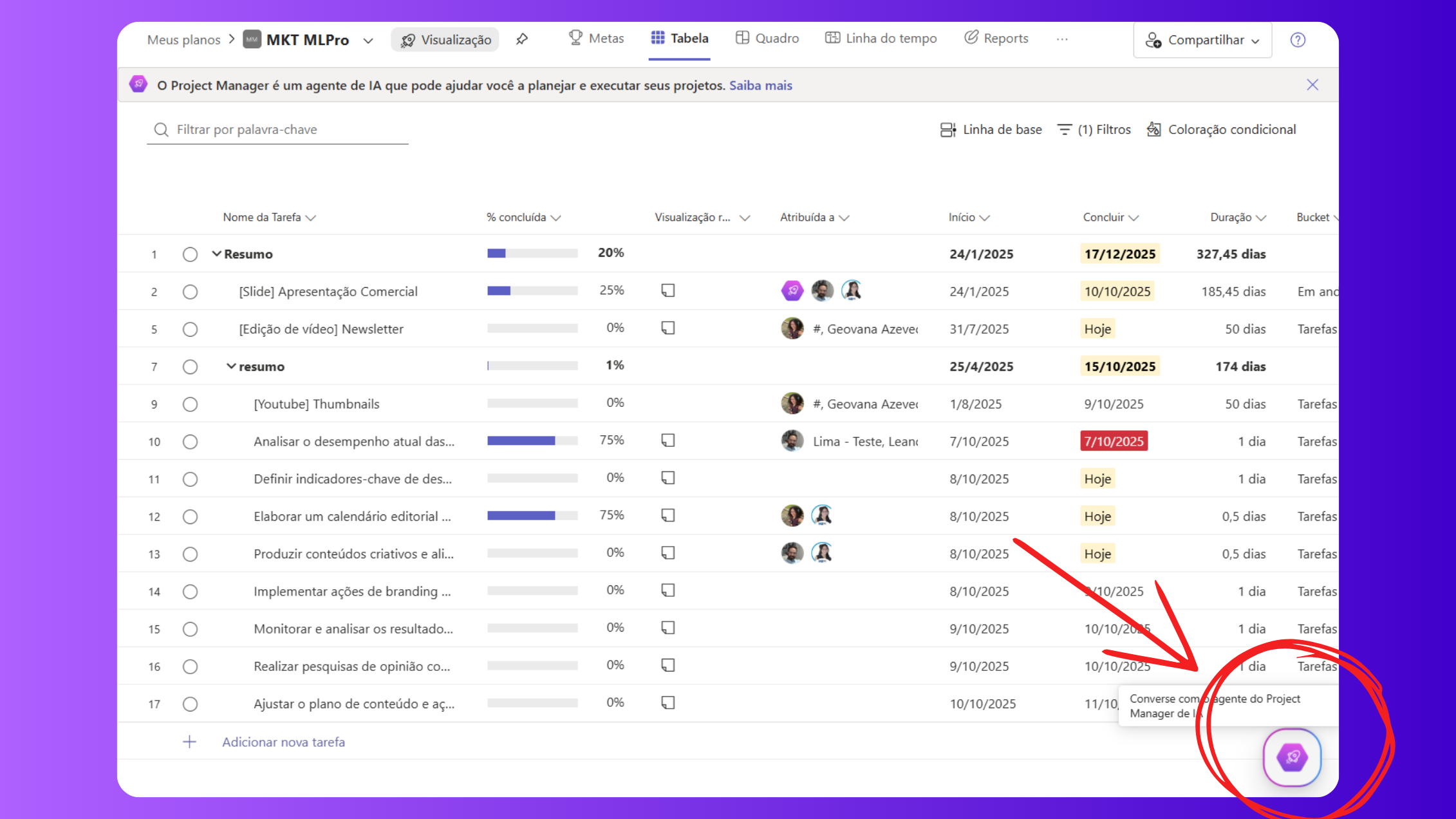
Chat is available to licensed users Microsoft 365 Copilot in Premium plans. The proximity of the AI to the user stimulates adoption and helps less experienced teams to safely exploit Planner's resources.
05How to apply these novelties to your Microsoft PPM ecosystem
To take advantage of the new resources, it is worth following some practical steps:
- Update to Planner Premium (formerly Project for the Web) if you still only use Basic Planner. This ensures access to the Project Manager agent and its integrations.
- Test task generation: When setting a target in Planner Premium, click “Generate tasks” and evaluate suggestions. Adjust to the context of your team.
- Combine with Power BI and SharePoint: Export Planner data to Power BI and create performance dashboards; share information on SharePoint pages Online to keep the team up to date.
If you follow the news from Planner, check out our summary Microsoft Planner news - July 2025, which brings AI resources and reports released earlier.
06Why do so many companies choose MLPro to transform their project management?
A MLPro is Microsoft's certified partner, specializing in implementing solutions for project management, programs and portfolios. With more than 20 years of market and more than 75,000 projects supported, we offer:
- Deployment of tools such as Project Professional, Planner Premium and Power BI, as well as integrations with SharePoint Online and Power Automate.
- Customization of the solution for the day to day of each company, connecting business processes to Microsoft platforms.
- Practical training and support with certified experts, ensuring that your team takes full advantage of the tools.
Our work goes beyond technology. We help your company design a new way to work with projects, focusing on efficiency, visibility and result. With the arrival of the new features of Project Manager agent, our team is ready to support the adoption of AI in Planner Premium, integrating it into its schedules, reports and collaboration tools.
07Ready to turn your management?
If you want more control, clarity and alignment in your projects, the news of Planner Premium and Project Manager agent are a natural path. And, implemented with the expertise of MLPro, they can raise the maturity level of your PMO. Click hereand see how we can help your organization modernise your project management.
Please contact: Click here to request free presentation or contact us by WhatsApp
Original content from the MLPro editorial library, fully preserved and translated for the English website.
